

Working from home has become the new normal, and if you're like most remote workers, you've probably wondered whether it's time to upgrade your WiFi setup. With WiFi 7 hitting the market and WiFi 6 still going strong, choosing the right technology for your home office can feel overwhelming.
Let's break it down in simple terms so you can make the best decision for your workspace: and your wallet.
WiFi 6: The Reliable Workhorse You Can Count On
WiFi 6 has been the go-to choice for home offices since 2020, and for good reason. It delivers speeds up to 9.6 Gbps, which is more than enough power for video calls, cloud applications, and those inevitable Netflix breaks between meetings.
What Makes WiFi 6 Great:
- Proven reliability – It's been tested in millions of homes and offices
- Affordable hardware – Routers and devices won't break the bank
- Wide device support – Your laptop, phone, and smart devices already work with it
- Better battery life – Devices use less power, so your laptop lasts longer
- Handles crowded networks – Perfect for apartment buildings or busy neighborhoods
Where WiFi 6 Falls Short:
- Latency can spike when multiple people are streaming or downloading
- Device juggling – It's not as smooth when handling tons of connected gadgets
- Future limitations – You might need to upgrade in 5-7 years as demands grow
WiFi 7: The New Kid With Serious Speed
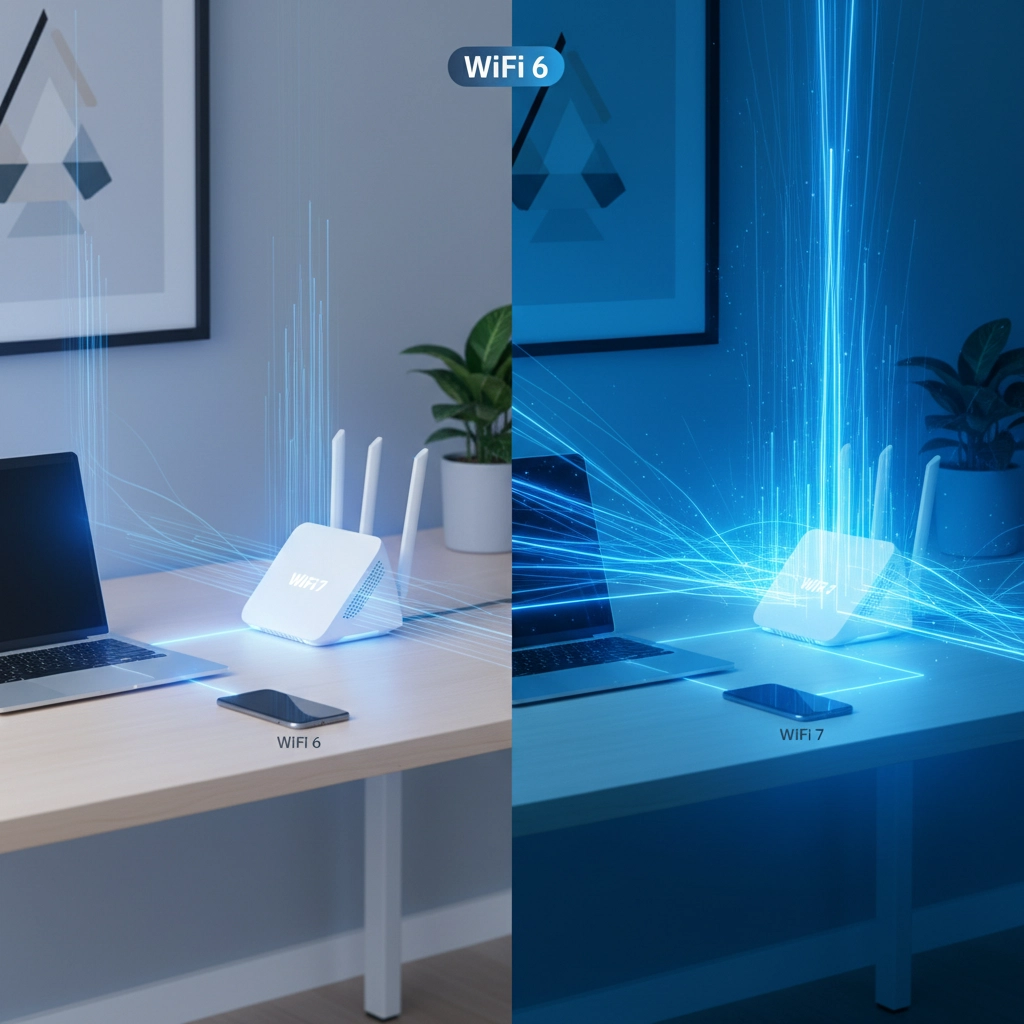
WiFi 7 is like WiFi 6's overachieving younger sibling. With theoretical speeds reaching 46 Gbps and some seriously impressive tech under the hood, it's designed for the future of home offices.
The standout feature? Multi-Link Operation (MLO), which lets your devices use multiple frequency bands at once. Think of it like having multiple lanes on a highway instead of being stuck in single-file traffic.
Why WiFi 7 Is Exciting:
- Blazing fast speeds – Up to 46 Gbps when everything aligns perfectly
- Ultra-low latency – Perfect for video calls and real-time collaboration
- 320 MHz channels – Double the bandwidth of WiFi 6
- Better device management – Handles smart homes and busy offices like a champ
- Future-proof – You won't need to upgrade for at least 10 years
The Downsides:
- Premium pricing – Routers and compatible devices cost significantly more
- Limited device support – Many devices don't support full WiFi 7 features yet
- Overkill for most – Unless you're doing heavy video editing or running a small business, you might not notice the difference
Side-By-Side: What Really Matters for Your Home Office
| Feature | WiFi 6 | WiFi 7 |
|---|---|---|
| Max Speed | 9.6 Gbps | 46 Gbps |
| Channel Width | 160 MHz | 320 MHz |
| Latency | Good | Excellent |
| Device Support | Widespread | Limited but growing |
| Cost | Affordable | Premium |
| Battery Life | Efficient | Very efficient |
| Multi-device Performance | Good | Excellent |
What This Means for Real Home Office Work
Here's the thing: most home office tasks don't actually need WiFi 7's monster speeds. Video conferencing on Zoom or Teams typically uses about 25 Mbps for high-quality video. Even if you're uploading large files to the cloud, WiFi 6's speeds are more than adequate for most situations.
Where WiFi 7 really shines is in households where multiple people are working from home simultaneously, or if your job involves heavy media work like video editing or graphic design.
How Premier Broadband's Managed WiFi Changes the Game
Whether you choose WiFi 6 or WiFi 7, having professional-grade network management makes all the difference. Premier Broadband's Managed Network Edge solutions take the guesswork out of home office connectivity.
With Managed WiFi from Premier Broadband, you get:
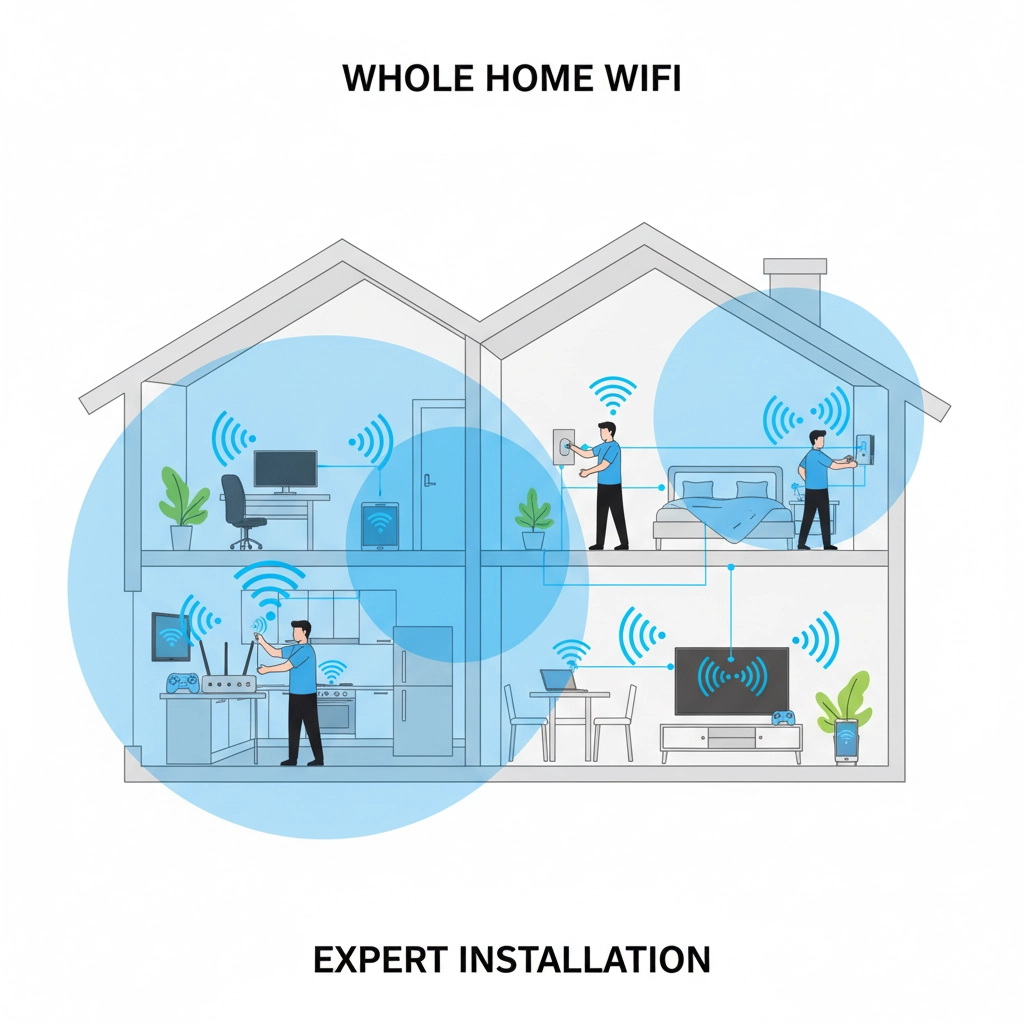
- Professional setup and optimization tailored to your home's layout
- 24/7 monitoring to catch issues before they impact your work
- Automatic updates so your network stays secure and fast
- Expert support when you need help troubleshooting
This is especially valuable if you're running a Cloud Phone System or Hosted VoIP setup through providers like SpectrumVoIP or Unified Global Solutions. These business-critical applications need rock-solid connectivity, and professional network management ensures you never miss an important call due to WiFi issues.
So Which Should You Choose? Here's Our Take
Go with WiFi 7 if you:
- Have multiple people working from home simultaneously
- Work with large files (video editing, graphic design, data analysis)
- Want the absolute best performance for video calls and collaboration
- Don't mind paying premium prices for cutting-edge tech
- Plan to keep this setup for 10+ years
Stick with WiFi 6 if you:
- Work mostly with standard office applications (email, documents, web browsing)
- Have a limited budget for network upgrades
- Value proven reliability over bleeding-edge features
- Live alone or with just one other remote worker
- Are happy with your current performance but need an upgrade from older WiFi
The Bottom Line: It's All About Your Specific Needs
For most home office workers in 2025, WiFi 6 remains the sweet spot. It provides excellent performance, proven reliability, and won't require you to replace all your devices or spend a fortune on new hardware.
WiFi 7 is fantastic technology, but it's really designed for power users and businesses with demanding networking needs. If you're unsure, start with a quality WiFi 6 setup: you can always upgrade later when WiFi 7 hardware becomes more affordable and your devices catch up.
The most important factor isn't necessarily which WiFi standard you choose, but ensuring your network is properly configured and maintained. Poor WiFi placement, outdated firmware, or interference issues can make even the best WiFi 7 router perform poorly.
Ready to Upgrade Your Home Office Network?
Choosing between WiFi 6 and WiFi 7 is just the first step. The real magic happens when your network is professionally configured and managed to work perfectly with your specific setup and work requirements.
Premier Broadband specializes in helping remote workers and small businesses get the most out of their internet connections. Whether you need help selecting the right WiFi technology, setting up a reliable Hosted VoIP system, or ensuring your Cloud Phone System works flawlessly, we've got the expertise to keep you connected.
Drop us a line to discuss your home office networking needs: we'd love to help you build a setup that actually works the way it should.