

If you're a serious gamer, let's cut right to it: fiber optic internet is the best connection you can get. While most internet providers are shouting about massive download speeds, the real secret to a lag-free gaming experience is low latency, minimal jitter, and symmetrical speeds. In any competitive match, your reaction time is everything.
Your Quick Guide to the Best Internet for Gaming
When you’re deep in a match, the last thing you want is your connection betraying you. Every millisecond counts, and a stuttering, laggy connection can easily be the difference between a win and a frustrating loss. While most internet service providers focus their advertising on download speed, experienced gamers know other metrics are way more important for a smooth, responsive game.
Think of your internet connection like a high-performance race car. Download speed is just the car's top speed on a long, empty straightaway. But latency? That's the car's handling and acceleration—how fast it reacts to every single command you give it. For online gaming, that lightning-fast response is what really matters.
The Metrics That Define a Great Gaming Connection
To find the best internet for online gaming, you need to look past the flashy numbers on billboards and mailers. These are the core components of a truly superior connection for gaming:
- Low Latency (Ping): This is the time it takes for data to travel from your PC or console to the game server and back again. The lower this number is, the better. Low latency ensures your in-game actions happen almost instantly.
- Minimal Jitter: Jitter is the measurement of how much your latency varies over time. A connection with high jitter feels unpredictable and choppy, causing those annoying stutters and inconsistent performance that get you eliminated.
- Symmetrical Speeds: This just means your upload speed is as fast as your download speed. Symmetrical speeds are absolutely essential because your gaming device is constantly sending data back to the game's servers.
A stable, low-latency connection is far more valuable than raw download speed. A recent survey of gamers revealed that 74% reported a better gaming experience after switching to fiber, citing less lag and frustration.
This is exactly why fiber optic internet is in a league of its own. Unlike old-school cable or DSL, a fiber connection gives you a dedicated line that isn't slowed down by your neighbors' streaming habits. It delivers the consistent low latency and symmetrical speeds that competitive gamers need to win.
To make it even clearer, here’s a quick breakdown of the key metrics and what you should be aiming for.
Key Internet Metrics for Optimal Online Gaming
| Metric | What It Measures | Why It Matters for Gaming | Ideal Target |
|---|---|---|---|
| Latency (Ping) | The round-trip time for data to travel to a server and back. | A low ping means your in-game actions register almost instantly. | Under 20ms is excellent; under 50ms is good. |
| Jitter | The variation in your ping over time. | Low jitter ensures a smooth, consistent connection without stuttering. | Under 5ms is ideal for a stable experience. |
| Download Speed | How quickly you can receive data from the internet. | Needed for downloading games, patches, and streaming content. | 100+ Mbps provides more than enough headroom. |
| Upload Speed | How quickly you can send data to the internet. | Crucial for sending your actions to the game server in real time. | 100+ Mbps (symmetrical with download speed). |
Ultimately, a quality fiber connection that hits these targets will give you a significant competitive edge over players still stuck on older, less reliable internet technologies.
Why Latency Is the True Enemy, Not Your Download Speed
For years, the internet industry has trained us to fixate on one big, flashy number: download speed. Marketing campaigns relentlessly push faster gigabit plans, making it seem like more megabits per second (Mbps) will magically fix all our online problems. But for gamers, this is one of the biggest and most persistent myths out there.
While a fast download speed is great for getting massive game files and updates onto your console quickly, it has very little to do with how your game actually performs moment-to-moment. The true performance killers are two other, far more important, metrics: latency and jitter.
Think of it this way: download speed is like the width of a highway. A wider, 10-lane highway can definitely handle more cars (data) at once, which is perfect for downloading a huge 100 GB game. But latency is the actual speed limit on that highway and how long it takes a single car to get from point A, to point B, and all the way back.
In gaming, your every move—a jump, a shot, a quick turn—is a tiny packet of data. Just a single car on that highway. It doesn't matter how wide the road is if that one car is stuck in traffic or faces constant delays. That delay is what gamers know and hate as "lag."
Latency and Ping: The Real Gaming Metric
When you press a button on your controller, you expect an instant reaction on screen. That split-second response is all about latency, which we usually measure as ping. Your ping is the round-trip time it takes for your command to travel to the game server and for the server’s response to come back to your screen, all measured in milliseconds (ms).
Imagine you're in a high-stakes firefight. You see an opponent and click your mouse to fire.
- Low Latency (e.g., 20ms): Your shot registers on the server almost instantly. You see the result on your screen just as you’d expect.
- High Latency (e.g., 150ms): Your command takes a noticeable fraction of a second just to reach the server. By the time it arrives, your opponent has already moved, and your shot misses completely—even though it looked perfectly aimed on your screen.
This delay creates a frustrating disconnect between what you do and what happens in the game. It's the reason you sometimes feel like you were shot from behind a wall; on your opponent's screen, with their lower latency, they saw and shot you before you even turned the corner on your screen.
Understanding Jitter: The Consistency Killer
If latency is the delay, then jitter is the inconsistency of that delay. A stable connection might have a consistent ping of 30ms. But a connection plagued by high jitter might bounce erratically between 30ms, 90ms, 40ms, and then spike to 120ms, all within a few seconds.
This unpredictability is arguably even worse than a consistently high ping. Jitter is what causes that awful stuttering effect, where players seem to teleport across the screen or your game freezes for a moment before suddenly catching up. Your brain can actually adapt to a consistent, predictable delay, but it can't possibly predict random spikes.
Success in this arena hinges on lightning-fast, low-latency internet, because lag can turn a victory into a heartbreaking defeat. Studies show that even a mere 20-50 milliseconds of ping can slash win rates by up to 30% in competitive shooters like Fortnite or Valorant, where reaction times are measured in fractions of seconds.
This is exactly why fiber optic internet is the champion for gamers. It's not just about the blazing-fast download speeds; it's about the technology itself. Fiber delivers an incredibly stable and low-latency signal that minimizes both ping and jitter, giving you the responsive connection you need.
If you're struggling with these issues, our guide on how to fix high latency provides actionable steps you can take. To dig deeper and learn how to debug network issues with 'ping' and 'traceroute', AvenaCloud offers an excellent resource. Choosing the best internet for online gaming always means prioritizing a responsive connection over a massive download number.
Comparing Internet Connections for Gaming
Picking the right internet for gaming can feel overwhelming with all the technical jargon and flashy ads out there. But here’s the simple truth: not all internet connections are created equal, especially when it comes to competitive play. The technology that brings the internet into your home is what really dictates your performance, from latency to how consistent your speeds are.
Let's break down the main players—Fiber, Cable, DSL, and Satellite—to see how they really stack up for gaming. Once you see how they work, it becomes obvious why one technology is the hands-down winner for any serious gamer.
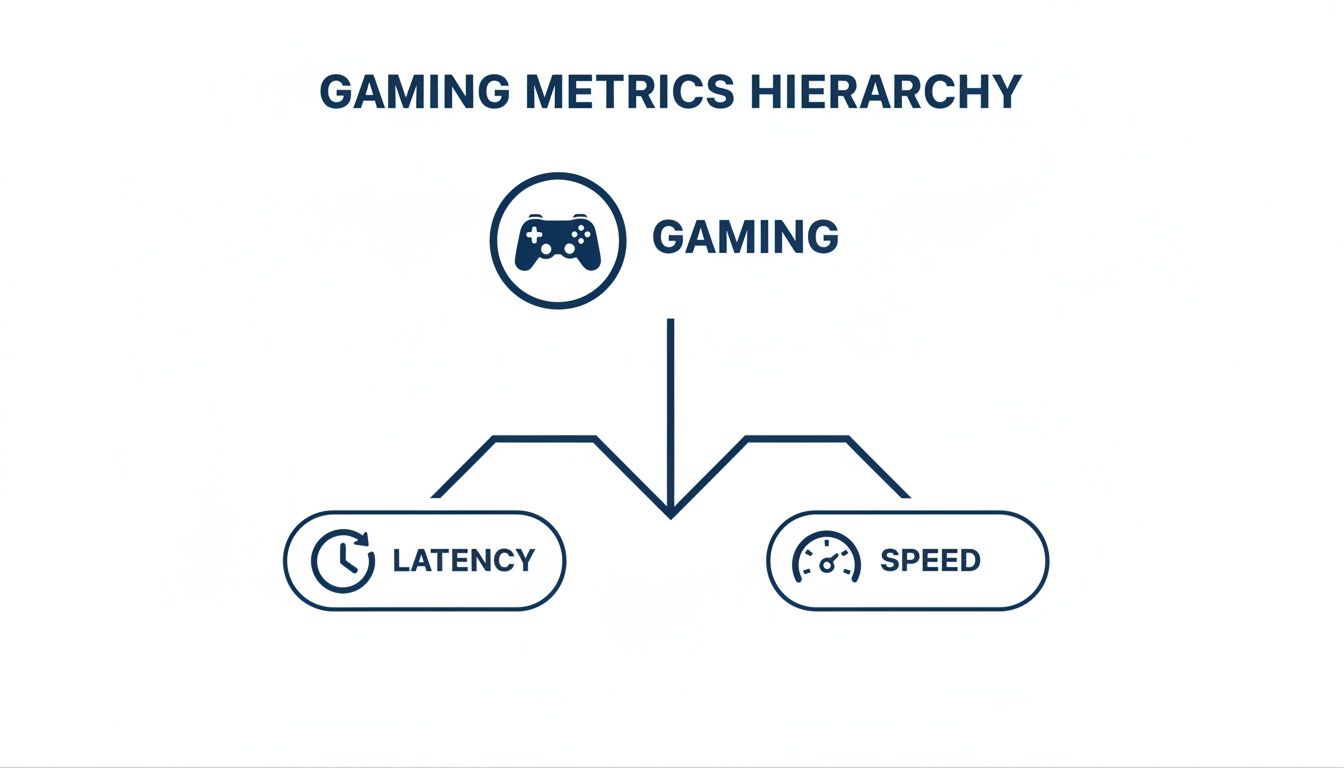
As you can see, both latency and speed are crucial for a good gaming experience, but the technology behind them makes all the difference.
Fiber Optic: The Gold Standard
If you're serious about gaming, fiber optic internet is the only way to go. Forget old copper wires—fiber uses tiny strands of glass to send data as pulses of light. This makes it ridiculously fast and incredibly reliable. For gamers, this means two massive advantages: ultra-low latency and symmetrical speeds.
Because light travels so fast and the signal stays strong, fiber connections deliver the lowest ping times possible, often staying well below 20ms. That means your actions in the game happen almost instantly.
Just as important are the symmetrical speeds. Most people only think about download speed, but your console or PC is constantly uploading data—your character's position, where you're aiming, every single command. Fiber gives you upload speeds that match your download speeds, so this critical information gets to the server just as fast. It’s a total game-changer, especially if you also stream your gameplay on Twitch.
Cable Internet: A Solid Runner-Up
Cable internet is everywhere and offers pretty good download speeds, which makes it a common choice. It runs on the same coaxial network as cable TV. While it can get the job done for casual gaming, it has one major weakness: it’s a shared network.
You're sharing your connection with everyone else in your neighborhood. During peak hours, like evenings and weekends when everyone is online, your speeds can drop and your latency can spike. That’s the kind of lag that gets you eliminated in a competitive match.
For a closer look at how these two technologies compare, check out our guide on fiber internet vs. cable. Cable is a decent option, but it just can't compete with the dedicated and stable performance of a true fiber connection.
DSL and Satellite: Not Recommended for Gaming
Finally, we get to Digital Subscriber Line (DSL) and satellite. They can get you online, but they are absolutely not built for the demands of modern online gaming.
- DSL: This technology uses old-school copper phone lines that were never meant for high-speed internet. Speeds are much slower, and latency is way higher than cable or fiber. The farther you live from the provider's office, the worse it gets.
- Satellite: This is, by far, the worst option for gaming due to massive latency. Your data has to travel thousands of miles up to a satellite in space and back down again. This trip results in ping times that often exceed 600ms, making any real-time online game completely unplayable.
For gamers, the choice is clear. A recent survey found that 74% of gamers reported a better experience after switching to a fiber connection, with over half citing less lag as the primary improvement.
To make things even simpler, let's put these technologies head-to-head in a direct comparison based on what matters most to gamers.
Gaming Internet Technology Showdown
| Technology | Typical Latency | Speed Consistency | Symmetrical Speeds | Best For |
|---|---|---|---|---|
| Fiber Optic | 5-20ms | Excellent and stable | Yes | Competitive gaming, streaming, and households with multiple users. |
| Cable | 20-50ms | Good, but can slow down during peak hours due to shared bandwidth. | No | General gaming and everyday internet use. |
| DSL | 50-100ms+ | Fair, but performance degrades with distance from the provider. | No | Basic web browsing where other options aren't available. |
| Satellite | 600ms+ | Poor | No | Not suitable for any form of real-time online gaming. |
At the end of the day, investing in the right type of connection is the most important move you can make to crush lag and get a real competitive edge.
How to Optimize Your Home Network for Gaming
Signing up for a blazing-fast fiber internet plan is a fantastic start, but it’s only half the battle. Your internet service gets delivered to your door, but a messy or poorly planned home network can still introduce game-killing lag.
Think of it this way: your fiber connection is a superhighway that leads right to your house. Your home network is the local driveway that gets that speed to your gaming console or PC. Any bottleneck in that final stretch can cause a major traffic jam. By making a few key adjustments to your setup, you can make sure the low-latency performance you’re paying for actually reaches your gaming device.
Go Wired for Unmatched Stability
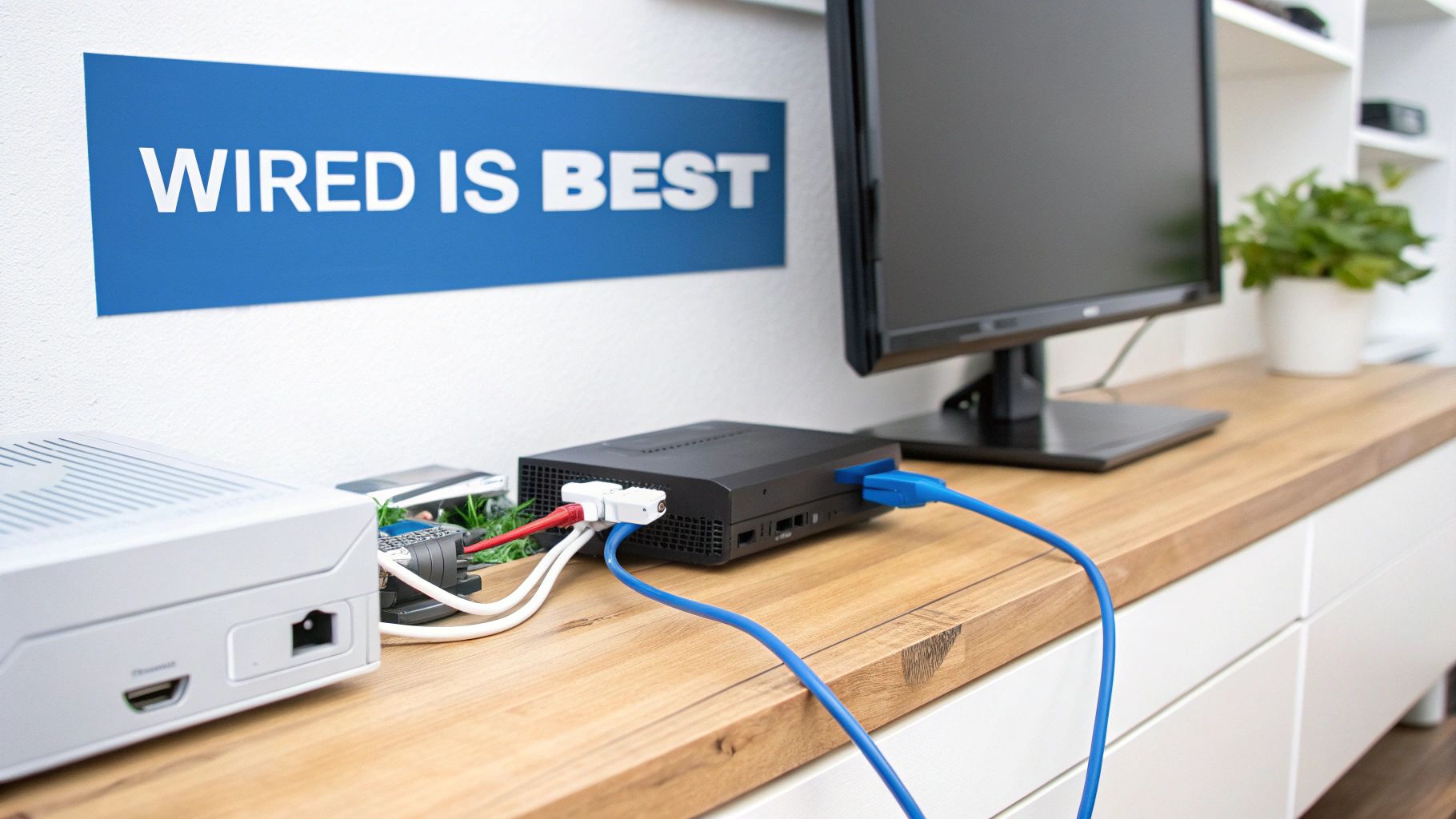
For any serious gamer, this is the golden rule: always use a wired Ethernet connection when possible. Modern Wi-Fi is incredibly convenient, but it will never be as reliable as a physical cable. Wi-Fi signals have to travel through the air, leaving them open to all kinds of interference.
Everyday household items can mess with your Wi-Fi signal, causing the kind of packet loss and latency spikes that get you eliminated in-game. Common culprits include:
- Physical Obstacles: Walls, floors, doors, and even big pieces of furniture can block or weaken Wi-Fi signals.
- Other Electronics: Microwaves, cordless phones, and Bluetooth speakers often operate on the same frequencies, causing signal traffic jams.
- Neighboring Networks: If you’re in an apartment or a dense neighborhood, all the other Wi-Fi networks around you are competing for the same airspace.
An Ethernet cable skips right past all these problems. It creates a direct, physical link between your gaming device and your router, guaranteeing the lowest possible latency and a connection that won’t drop you in the middle of a match.
Master Your Router Placement and Settings
If you absolutely can’t use a wired connection, your next mission is to optimize your Wi-Fi signal as much as possible. This starts with where you put the router. Don't shove it in a closet or tuck it away in a corner of the house. For the best signal, place your router in a central, elevated spot away from obstructions.
Beyond physical placement, your router's software settings are a powerful tool. Most modern routers have a feature called Quality of Service (QoS).
Quality of Service (QoS) is like creating a VIP express lane on your home network. It tells your router to prioritize traffic from your gaming console or PC, handling its data packets before dealing with less critical activities like video streams or file downloads.
Turning on QoS stops others in your house from accidentally causing you to lag. When someone else starts a 4K movie on Netflix, the router makes sure your game’s data isn’t stuck waiting in line, keeping your experience smooth. For even more tips, check out our guide on how to improve home Wi-Fi.
Prioritize All Aspects of Your Connection
Finally, remember that a great gaming connection is about more than just download speed. While downloads get all the attention, achieving faster upload speeds is just as important for sending your character’s movements and actions to the game server instantly. Taking the time to optimize your entire setup ensures you’re getting every ounce of performance you’re paying for.
Choosing a Gaming Internet Plan That Actually Delivers
Now that you know what really matters for gaming—low latency and a stable connection—you can connect the dots and find an internet plan that actually works. It's about looking past the flashy ads and focusing on the technology powering your connection. For any house with a serious gamer, the answer is a 100% fiber optic network.
Fiber isn't just a small step up; it's a completely different way to deliver the internet. Instead of pushing data through old copper wires, fiber sends information as light through glass strands. The result is a connection that is naturally faster, way more stable, and incredibly reliable. This technology is built to defeat the biggest enemies of online gaming: high latency and jitter.
Why Symmetrical Speeds Are a Gamer's Secret Weapon
One of fiber’s biggest advantages is something most people overlook: symmetrical speeds. This just means your upload speed is just as fast as your download speed. While most internet providers only brag about their download numbers, your console or PC is constantly uploading data back to the game server.
A slow upload creates a bottleneck that feels just as bad as high ping. It’s why your shots sometimes don't register or you lag out even when your download speed seems fine. Symmetrical speeds are also a game-changer if you stream on Twitch or Discord. With a powerful upload, you can broadcast your gameplay in high quality without it tanking your in-game performance.
A recent survey found that 74% of gamers felt their gaming experience improved after switching to fiber. The top reasons? Less lag and less frustration during competitive matches.
This shows the real-world difference a better connection makes. Fiber’s consistent, low-ping performance and powerful uploads give you a real competitive edge.
Matching a Plan to Your Household's Needs
Picking the best internet for online gaming isn’t just about you. It's about making sure the whole house can do its thing without causing you to lag. Today’s homes are crowded with connected devices. While you're in a match, someone else might be streaming a 4K movie, taking a work video call, or downloading a huge file.
On older networks like cable, all that activity can cause traffic jams, making your game's performance drop at the worst possible moment. Fiber plans, especially those with gigabit speeds, give you more than enough bandwidth to handle everything at once. That way, a family movie night doesn’t cost you the game.
To find the right plan, think about your household's total internet use. Ask yourself a few questions:
- Number of Users: How many people are online at the same time during peak hours?
- Connected Devices: Don't forget anything—smart TVs, laptops, phones, and consoles all count.
- High-Bandwidth Activities: When are people doing things like 4K streaming, big downloads, or video calls?
Thinking through these points will help you pick a plan that keeps everyone happy and your game running smoothly. You can compare home internet plans to see how different options stack up and find the perfect fit for your home.
Frequently Asked Questions About Gaming Internet
Even after you get the basics down, you might still have a few questions. That's perfectly normal. Getting the absolute best internet for gaming often means digging into the finer details. Here are some clear, straightforward answers to the questions we hear most from gamers trying to dial in their connection.
How Much Internet Speed Do I Really Need For Gaming?
This is the big one, and the answer usually catches people off guard. The game itself? It doesn't need much at all. Most online games only use about 5 Mbps of bandwidth to send and receive data. On paper, even a basic 100 Mbps plan gives you more than enough speed to play smoothly.
But the real world is messy. The real question is: what else is happening on your network? If your spouse is streaming a 4K movie in the living room while your kid is downloading a huge game update upstairs, your game will suffer. That's when you need a bigger pipeline—more total bandwidth—to keep their traffic from causing your game to lag.
Just as crucial are symmetrical speeds, which is where fiber internet shines. Gaming isn't just about downloading; your PC or console is constantly uploading data—your character's position, every button press, every single action. A slow upload speed is a lag-killer, plain and simple. For a busy, modern home, a 100/100 Mbps plan is a great place to start. A full gigabit fiber plan? That means you never have to think about bandwidth again.
Will A Gaming Router Actually Improve My Experience?
A good gaming router can be a solid investment, but it’s not a magic bullet. You have to understand what it can and can't do. A fancy router can't fix a bad internet connection. Think of it like putting racing tires on a car with a tiny engine—you'll get better grip, but you won't gain any horsepower.
Where gaming routers really excel is Quality of Service (QoS). This feature lets you tell your network to prioritize gaming data over everything else, like a dedicated express lane for your game traffic. They also tend to have more powerful hardware, giving you a stronger and more stable Wi-Fi signal.
But if your connection has high latency to begin with (a common problem with satellite or DSL), the best router on the market can't fix that. The ultimate setup is a low-latency fiber connection paired with a high-quality router. That combination is unbeatable.
The perfect gaming setup starts with a great fiber connection. Then, you add a quality router that can intelligently manage your home network's traffic. This ensures the clean, low-latency signal from your provider gets to your console or PC without any interference.
Is A Wired Ethernet Connection Better Than Wi-Fi?
For anyone who takes online gaming seriously, the answer is a simple, absolute yes. A wired Ethernet connection will always be better than Wi-Fi for performance. It's not even a close competition.
Modern Wi-Fi is fast and convenient, but it's fundamentally unreliable for competitive gaming. The signal travels through the air, where it gets weakened and disrupted by everything from walls and floors to your microwave oven. This interference causes packet loss and sudden lag spikes that will get you killed in-game.
An Ethernet cable is a direct, physical link between your router and your gaming device. It's a shielded, stable pipeline that delivers the lowest possible latency and completely eliminates the risk of signal drops. If you can't run a cable, a mesh Wi-Fi system is your next best bet, but nothing beats plugging in.
What Is Packet Loss And How Does It Ruin Games?
Packet loss is the secret enemy of every online gamer. It’s when small pieces of data—or "packets"—get lost on their journey between your console and the game server. Imagine trying to have a conversation where every fifth word is missing. You'd get a confusing, garbled mess.
That's exactly what happens in your game. Packet loss creates chaotic, unpredictable gameplay that is incredibly frustrating. The most common signs are:
- Your character rubber-banding or teleporting around the map.
- Enemies appearing to stutter or skip, making them impossible to hit.
- Your shots not registering, even when you're dead-on.
- Getting booted from the match for no reason.
This is often caused by network congestion—too many people trying to use a shared connection, which is a major issue for cable internet. It can also happen because of a weak Wi-Fi signal. A stable fiber connection is far less prone to the congestion that causes packet loss, making it the most reliable foundation for a smooth gaming experience.
Ready to eliminate lag and get a true competitive edge? Premier Broadband delivers a 100% fiber optic network built for the demands of modern online gaming. Experience the difference of ultra-low latency and symmetrical speeds by visiting https://premierbroadband.com to find the perfect plan for your home.