
Ever looked at the back of your router or the fine print on a new laptop and felt like you were looking at a bowl of alphabet soup? You see things like 802.11n, 802.11ac, or the newest kid on the block, 802.11ax. It’s a lot of tech-speak for something that we just want to work so we can stream our favorite shows and get through our Zoom meetings without freezing.
At Premier Broadband, we get it. You don’t need a degree in computer engineering to want a fast connection. But understanding these little letters, N, AC, and AX, can actually help you figure out why your internet might be dragging in the bedroom but flying in the living room.
Let's take a break and read all about it so you can finally master your home network.
The shorthand: Wi-Fi 4, 5, and 6
Before we dive into the nitty-gritty, the tech world realized these names were confusing. So, they gave them simpler nicknames:
- Wi-Fi N is now Wi-Fi 4
- Wi-Fi AC is now Wi-Fi 5
- Wi-Fi AX is now Wi-Fi 6
Think of it like generations of cell phones. Just like a phone from 2010 can’t handle today’s apps, a Wi-Fi 4 router is going to struggle with a 2026 household’s worth of smart TVs, tablets, and gaming consoles.
Wi-Fi N (The Reliable Old-Timer)
If you’ve had your router for a decade, you might be running on Wi-Fi N. Launched way back in 2009, it was a massive deal at the time. It was the first standard to use MIMO (Multiple Input, Multiple Output) technology, which basically meant the router had multiple antennas to send and receive data.
The Speed and Range:
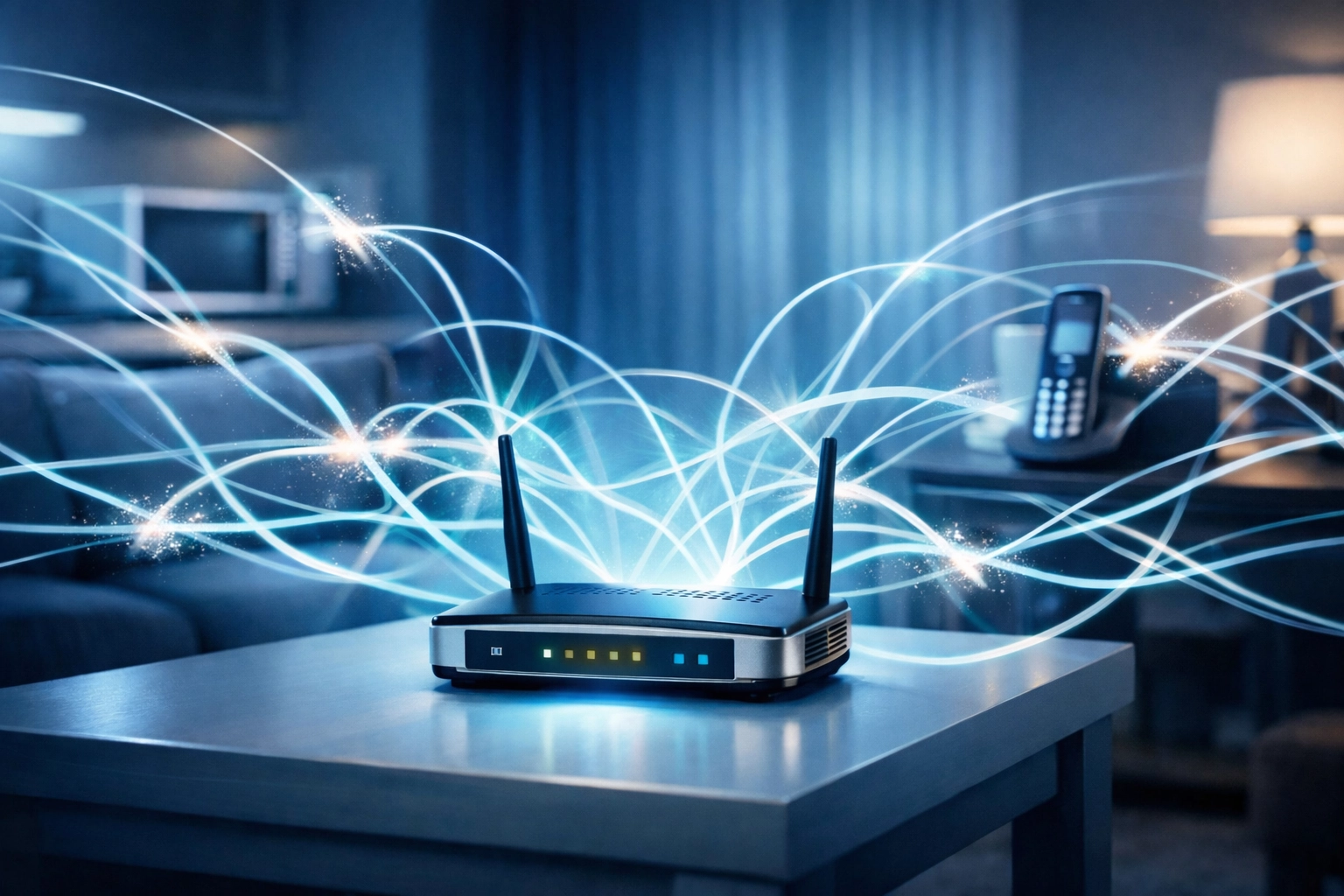
Wi-Fi N operates on both the 2.4 GHz and 5 GHz bands. The 2.4 GHz band is great because it has a long range and can go through walls easily. However, it’s also very "crowded." Your neighbor’s Wi-Fi, your microwave, and even your old cordless phone all live on 2.4 GHz. This leads to interference and slower speeds.
The Verdict:
In 2026, Wi-Fi N is mostly for basic stuff. If you’re just checking emails or scrolling through a news site, it’s fine. But if you have a family trying to stream 4K video or play online games, Wi-Fi N is going to be the bottleneck in your house.
Wi-Fi AC (The Streaming Workhorse)
Released around 2013, Wi-Fi AC (Wi-Fi 5) was built specifically to handle the explosion of video streaming. It shifted the focus heavily toward the 5 GHz band, which is much faster than 2.4 GHz and has way more "room" for data.
Why it was a game-changer:
- Beamforming: Instead of broadcasting the Wi-Fi signal in every direction like a lightbulb, Wi-Fi AC can actually "aim" the signal toward your specific device.
- More Data: It uses something called 256-QAM, which is just a fancy way of saying it packs more information into every signal pulse.
- Wider Lanes: Think of Wi-Fi AC as adding more lanes to the highway. It supports wider channels (up to 160 MHz), meaning more data can flow at once.
The Verdict:
Wi-Fi AC is still very common and works well for many households. It’s reliable and offers speeds that can keep up with most fiber internet plans for a single user. But here’s the catch: it starts to sweat when you connect twenty different devices at the same time.
Wi-Fi AX (The Modern Powerhouse)
This is where things get exciting. Wi-Fi AX (Wi-Fi 6) isn't just about raw top speed; it’s about efficiency. In a world where every lightbulb, fridge, and doorbell is connected to the internet, we needed a standard that didn't crash when the whole family got home.
The "Stadium" Effect:
Imagine a pizza delivery guy who can only take one pizza to one house at a time. That’s how older Wi-Fi worked. Wi-Fi AX uses a technology called OFDMA. It’s like giving that delivery guy a giant truck that can deliver pieces of pizza to eight different houses in one single trip.
This means even if you have a house full of people, everyone gets their "data packet" much faster. No more waiting in line for the router to talk to your phone while your kid is playing Fortnite.
Better for Batteries:
Wi-Fi AX also includes "Target Wake Time." It tells your phone or smart home devices exactly when to sleep and when to wake up to receive data. This saves a massive amount of battery life on your portable gadgets.

Quick Comparison Table
| Feature | Wi-Fi N (4) | Wi-Fi AC (5) | Wi-Fi AX (6) |
|---|---|---|---|
| Release Date | 2009 | 2013 | 2019/2020 |
| Max Theoretical Speed | 600 Mbps | 6.9 Gbps | 9.6 Gbps |
| Best For | Basic browsing | Streaming & HD Video | Smart homes, Gaming, 4K/8K |
| Handling Crowds | Poor | Average | Excellent |
| Frequency | 2.4 & 5 GHz | Mostly 5 GHz | 2.4, 5, & 6 GHz |
Why upgrading to AX makes sense for your family
If you’re still using an older router, you’re likely not getting the full benefit of your Premier Broadband service. It’s like having a Ferrari engine (our Fiber service) but putting wooden wheels on it (an old Wi-Fi N router).
When you upgrade to our Wi-Fi AX mesh units, you’re solving three major problems:
- Dead Zones: Our mesh units work together to blanket your entire home in a single, seamless network. No more switching networks when you go upstairs.
- Congestion: Wi-Fi AX is built for the "Internet of Things." It can handle your smart thermostat, your security cameras, and your 4K TV all at once without breaking a sweat.
- Future-Proofing: Most new phones and laptops made in the last few years are already Wi-Fi 6 compatible. By upgrading your router, you finally let those devices run at the speeds they were designed for.
If you’re curious about how your current setup is performing, you can always check out our network diagnostic utilities to see where the hiccups might be.

Getting the most out of your Fiber connection
The truth is, Wi-Fi is only half the battle. The "source" of your internet matters most. This is why fiber internet is superior to cable internet. Fiber provides symmetrical speeds, meaning your upload is just as fast as your download.
When you pair a Premier Broadband Fiber connection with a modern Wi-Fi AX router, you get:
- Lower Latency: Essential for gaming and video calls.
- Reliability: Fiber doesn't care if it's raining outside.
- Security: Newer AX routers come with WPA3, the latest security protocol to keep your data safe. You can learn more about protecting your network on our dedicated security page.
Is it time for an upgrade?
If you find yourself resetting your router once a week, or if your video calls drop every time someone else starts watching a movie, the answer is likely yes. Technology moves fast, and the "N" or "AC" router that worked great five years ago might just be tired.
Moving to Wi-Fi AX isn't just about seeing a bigger number on a speed test; it’s about a smoother, more invisible internet experience. It’s about not having to think about your Wi-Fi at all.

Do You Want To Boost Your Home Network?
We’re here to help you navigate the jargon and get the best possible connection for your home. Whether you're in a busy household or running a small business, the right equipment makes all the difference. We offer internet and phone for small business as well as residential solutions that bring the power of AX Wi-Fi to every corner of your property.
If you have questions about which equipment is right for you, or if you want to see if our high-speed fiber is available in your area: like our recent expansion for high speed internet in Hope, Arkansas: don't hesitate to reach out.
Ready to stop the buffering? just drop us a line or contact our support team today. We’ll get you set up with the reliable, high-speed connection you deserve.