
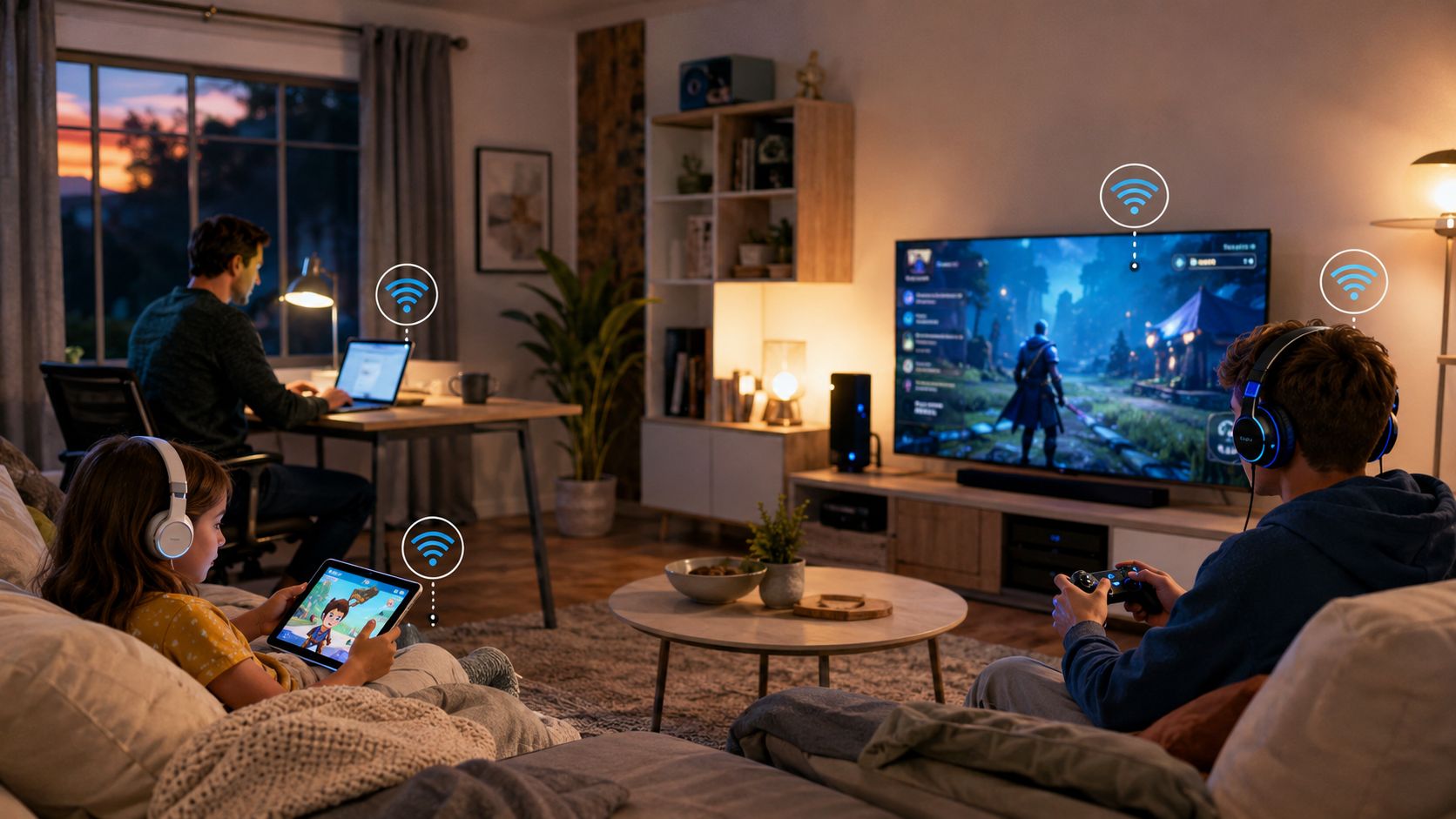
You're on a video call while someone else streams in 4K, another household member downloads a large game, and your phone backs up photos to the cloud. The connection may look fast on the plan sheet, yet the call freezes and the game reacts slowly. That's why the key question isn't only “is fiber internet worth it?” It's whether your connection can maintain strong uploads, low latency, and consistent performance when several people use it at once.
Fiber often earns its premium through those less visible qualities. Cable can still serve a lightly used home well, while DSL may remain useful where alternatives are limited. The right choice depends on what your household does online, how dependable the current service feels, and whether fiber is available at a reasonable price.
Is Fiber Internet Worth It for Your Daily Connection Needs
A busy evening exposes the difference between internet technologies quickly. One person starts a work meeting, a second watches a high-resolution stream, and a third plays an online game. At the same time, a laptop sends a large project folder to cloud storage. A connection with weak upload capacity may continue downloading efficiently but struggle to send data back, causing video quality to drop or applications to feel unresponsive.
Fiber handles this pattern more gracefully because its download and upload capacity is commonly designed to be symmetrical. That matters more than a dramatic download number for households that work from home, share large files, use cloud applications, or host frequent video calls. Browsing ordinary websites may feel similar on a good cable plan, but simultaneous activity reveals the difference between available bandwidth and usable capacity.
The household pressure test
Use your busiest hour as the test, not the quietest one. Ask whether your connection remains responsive when these activities overlap:
- Video meetings: Calls need steady two-way communication, not just fast downloads.
- Cloud work: Backups, design files, video uploads, and shared documents place sustained demand on the upstream connection.
- Gaming: The game itself may not consume enormous bandwidth, but latency and jitter affect responsiveness.
- Streaming: Multiple streams add continuous download demand, especially when several people watch at once.
A useful next step is to compare home internet plans by upload performance, data policies, equipment, and total service terms rather than advertised download speed alone.
Practical rule: If your connection fails during normal overlapping use, a faster download tier on the same technology may not solve the underlying problem.
Fiber isn't automatically necessary for every household. A single user who mainly browses, streams, and checks email may find reliable cable adequate. But if your home regularly sends data as well as receives it, fiber's value becomes practical rather than theoretical.
How Fiber Internet Compares to Cable and DSL
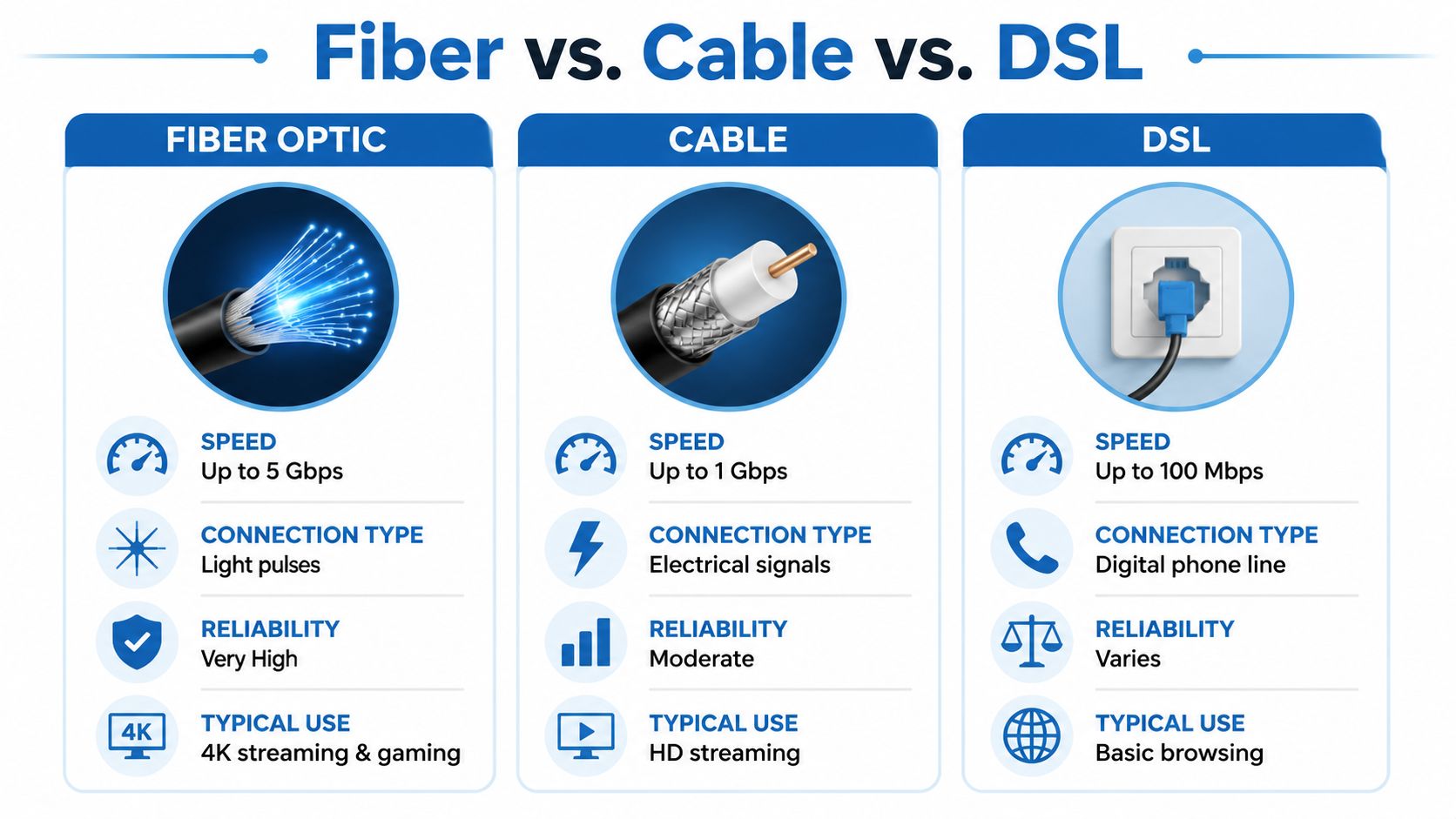
Fiber carries data as pulses of light through glass strands. Cable and DSL use electrical signals over copper-based infrastructure, although cable networks generally offer much more capacity than traditional DSL. The physical design affects how each service behaves as distance, congestion, and upstream demand increase.
Cable can provide strong download performance and works well for streaming, browsing, and ordinary household use. Its shared neighborhood capacity can become more noticeable during busy periods, and upload performance is typically less balanced than fiber. DSL tends to be more sensitive to line distance and local loop quality, making it a workable option in some locations but a weaker choice for demanding households.
Fiber vs Cable vs DSL at a Glance
| Connection Type | Best For | Upload Speed Profile | Latency Behavior |
|---|---|---|---|
| Fiber | Multi-user homes, remote work, gaming, cloud applications | Symmetrical or closely matched upload and download capacity | Low and generally consistent |
| Cable | Streaming, browsing, and general household use | Usually download-heavy, with less upstream capacity | Good under light load, but can vary with congestion |
| DSL | Basic browsing and light connected use where alternatives are unavailable | Typically limited by line conditions and distance | More variable, especially over longer lines |
The performance gap is measurable. FCC testing found average round-trip latency of 17 milliseconds for fiber-to-the-home, 28 ms for cable, and 44 ms for DSL, while advertised fiber upload speeds averaged 476.52 Mbps in that report. The FCC broadband testing reference provides the underlying benchmark context.
A separate Canadian broadband study recorded average peak-hour latency of 4 milliseconds on fiber, 12 ms on DSL, and 14 ms on cable or HFC, showing how the difference can persist during busy periods. You can also review this fiber internet versus cable comparison when evaluating the technologies in practical household terms.
For a visual explanation of the technologies and their behavior, this video provides useful background:
Real-World Benefits That Make Fiber Stand Out
Fiber shows its value when a connection must send and receive data at the same time. Video meetings upload your camera and microphone while downloading other participants' audio and video. Remote desktops exchange frequent screen updates and commands. Competitive gaming depends on consistent response, not only on a large download figure.
Latency changes how the connection feels
Latency measures the delay between a request and its response. Lower delay makes cloud applications, voice calls, and games feel more responsive, while congestion can introduce queuing delay and jitter. A separate performance study placed FTTH latency in the 5 to 11 ms range, compared with 16 to 28 ms for cable. The technical discussion of fiber latency explains how round-trip delay, congestion, and responsiveness relate.
The difference appears most clearly in live applications. A page that loads slightly faster may be hard to notice, but an interactive cloud desktop or voice call exposes delays throughout the session. Fiber cannot control the remote server or poor home Wi-Fi, yet it gives the access link a stronger starting point.
Upload symmetry is the overlooked advantage
Upload capacity controls how quickly your home sends data outward. FCC Measuring Broadband America data cited in an independent comparison recorded 82 Mbps median upload speed for fiber versus 11 Mbps for cable. That gap affects practical household work:
- Remote work: Large presentations, design assets, and project folders leave the home faster.
- Content creation: Video uploads and live broadcasts place less sustained pressure on the connection.
- Cloud backups: Photos, recordings, and workstation backups can run while other devices remain usable.
- Multi-user homes: Several people can upload and download without one person's transfer consuming the connection's practical capacity.
The difference matters even when download speeds look similar. A household that mainly streams films and browses the web may find cable sufficient, especially if its upload demands are light. A home with frequent video calls, large backups, live broadcasts, or shared work files gains more from fiber's two-way capacity. The fiber internet benefits explained by Premier Broadband offer another practical reference for comparing those use cases. Fiber's strongest value is responsiveness and upstream capacity, rather than downloading one file faster.
Who Should Choose Fiber Internet
Fiber makes the clearest sense when several people depend on the connection at the same time or when your work sends substantial data to the internet. Start by identifying the activities that create friction today, then match those activities to the technology's strengths.
Households with overlapping use
Families that stream on multiple screens, attend online classes, play games, and use connected devices together benefit from a connection that maintains capacity under pressure. Fiber's symmetrical design helps when the household isn't only consuming content but also uploading photos, backups, and work files.
Remote workers and professionals
A remote employee may spend much of the day in video meetings, using cloud software, transferring documents, and connecting to an office environment. Fiber is especially useful when a role involves design files, media production, software repositories, or frequent backups. The improvement may appear as fewer interruptions and quicker transfers rather than a visibly faster ordinary webpage.
Gamers and live users
Gamers should prioritize latency, jitter, and wired or well-managed Wi-Fi before chasing the highest advertised speed. Fiber is a strong fit for competitive play, cloud gaming, live streaming, and households where someone else may be using the network heavily during a session.
Small businesses
A small office needs reliable uploads for cloud applications, security systems, VoIP, collaboration tools, and customer files. Fiber can simplify that shared workload, but the provider's support, service terms, equipment, and restoration process matter just as much as the access technology.
Decision test: Choose fiber when your important online activities involve continuous two-way communication, not merely occasional downloading.
If your use is limited to browsing, email, and one stream at a time, cable may remain sufficient. DSL can be a sensible holding pattern where fiber and cable aren't available, though demanding use will expose its limitations sooner.
Availability, Cost, and Installation Considerations
A technically superior connection only helps if it reaches your address and fits your budget. Fiber availability has expanded substantially, but coverage remains uneven by neighborhood. A recent industry report cited 84.6 million U.S. homes passed by fiber, representing more than 60% of U.S. households, while also noting that adoption can lag behind access. Review the fiber internet cost guide and verify service at your exact address rather than assuming nearby coverage guarantees eligibility.
Look beyond the advertised rate
Compare the complete offer:
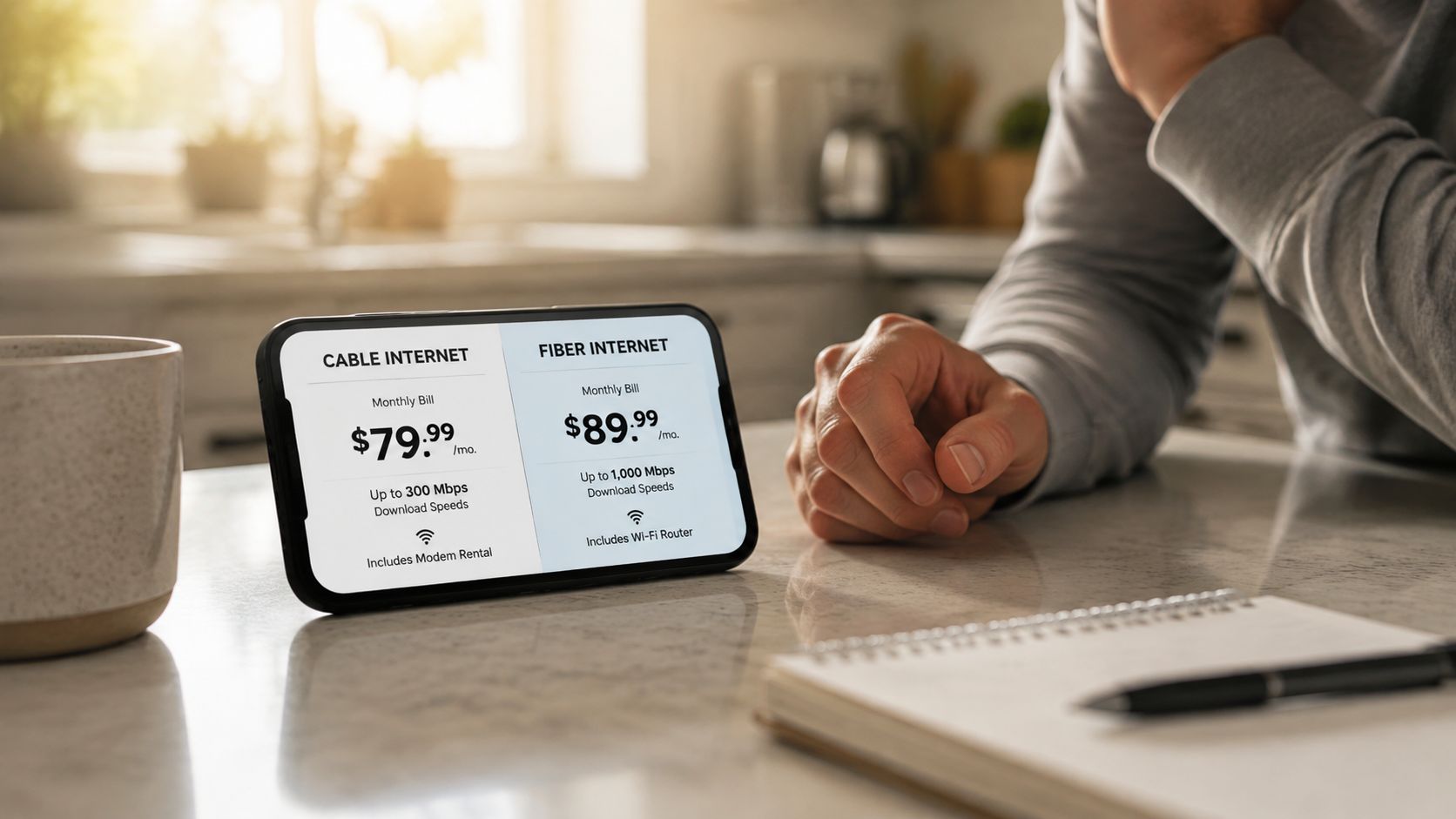
- Monthly service price: Check the standard rate, not only the introductory offer.
- Equipment: Confirm whether the optical network terminal, router, or managed Wi-Fi carries an extra charge.
- Installation: Ask whether the technician must bring a new line to the building and whether an appointment or property access is required.
- Data policy: Confirm whether the plan includes unlimited data or has usage conditions.
- Contract terms: Check cancellation rules and what happens after a promotional period.
Installation can involve an exterior fiber drop, an entry point, indoor termination, and router placement. The work may be straightforward in a serviced property, but older buildings, difficult conduit paths, or landlord approval can complicate the change.
Cable may be the better short-term decision if it costs less, performs reliably, and the fiber installation requires disruptive work. On the other hand, paying for a premium cable tier won't fix poor upload capacity or recurring peak-time latency. The sensible choice weighs service quality, total cost, installation effort, and how long you expect to stay at the address.
Common Objections About Fiber Internet
“My cable plan already streams video, so fiber won't matter.” That may be true for a lightly used home. Streaming and browsing mostly emphasize downloads, so a stable cable connection can feel perfectly adequate when one person uses it. The case for fiber becomes stronger when uploads, video calls, cloud work, or simultaneous users create the problems you're trying to solve.
“I only need fast downloads.” Download speed is easy to advertise and easy to notice in a test, but it doesn't describe the entire connection. Upload symmetry and latency influence calls, file transfers, remote access, backups, and interactive applications. A plan that looks fast while idle may still feel poor when the household sends data continuously.
“Fiber is only for power users.” Fiber isn't required for every household, but its advantages are not limited to enthusiasts. Anyone who depends on reliable two-way communication can benefit, including people working from home, families sharing a connection, and small teams using cloud systems.
“The provider matters more than the cable.” Both statements contain part of the truth. Fiber has strong technical characteristics, but Wi-Fi placement, router quality, local support, installation quality, and outage handling still shape the experience. Some cable operators can compare favorably in reliability or customer experience in particular markets, so evaluate the actual provider instead of treating the technology label as a guarantee.
Final Verdict and Next Steps for Choosing Fiber
Fiber is usually worth it when your household needs high upload capacity, low latency, and consistent performance under simultaneous use. Remote workers, gamers, content creators, large families, and small businesses are the most likely to notice the difference. A casual user with dependable cable may not gain enough day-to-day value to justify switching immediately.
Use this checklist before ordering:
- Check the address: Confirm that fiber reaches the specific home or office.
- Review upstream performance: Don't compare download tiers alone.
- Test the busiest period: Consider meetings, streaming, gaming, backups, and uploads happening together.
- Calculate the full cost: Include equipment, installation, promotional changes, and contract terms.
- Inspect the home network: A weak router or poor Wi-Fi placement can hide the benefit of a better access line.
Premier Broadband offers 100% fiber service with symmetrical upload and download speeds, unlimited data, whole-home managed Wi-Fi, and optional services including Premier Protects and VoIP phone solutions. Those features are relevant when you want the access connection and in-home network managed as one service, rather than buying a faster line while leaving Wi-Fi problems unresolved.
Check your address, compare the available plan terms, and choose the tier that matches your actual upload and latency needs. Visit Premier Broadband to review local availability and explore fiber options for your home or business.