

Let’s get straight to it: Yes, your internet provider can see a lot of what you do online, including the websites you visit.
Think of your ISP like the postal service for your internet connection. They see the “to” and “from” addresses on every piece of digital mail you send and receive. Even if the letter inside is sealed (thanks to encryption), they still know exactly where it's going. This means they can log which websites you visit, when you go there, and how much time you spend.
What Your ISP Really Sees Online
When you wonder if your provider can see your searches, you have to look at the different layers of your activity. Modern websites use encryption (HTTPS) to shield the specific things you do—like what you type into a form or the exact article you read. But your ISP is the gateway for all your internet traffic, giving them a bird's-eye view of your browsing habits.
This isn't just a technical detail; it has real-world consequences. Your ISP can see your physical location (based on your connection), the devices connected in your home, which websites you visit, and how long you stay. On older, unencrypted HTTP sites, they can see everything, right down to the search terms you type. This data is often stored for months, sometimes even years, as required by law or for their own business purposes.
Your Digital Footprint
Every time you connect to the internet, you leave a trail of data. This "digital footprint" is more than just the sites you intentionally visit. It’s also made up of metadata—the background info about your connections.
Your ISP logs several key pieces of information:
- The websites you visit: Even with HTTPS, they know you connected to
google.comornetflix.com. - Timestamps of your activity: They can see the exact time you connect and how long your session lasts.
- Amount of data transferred: Your provider logs how much data you upload and download.
- Your IP address and location: This connects all your online activity directly to your household.
This diagram helps visualize how your data travels from your device, through our network, and on to the websites you want to reach.
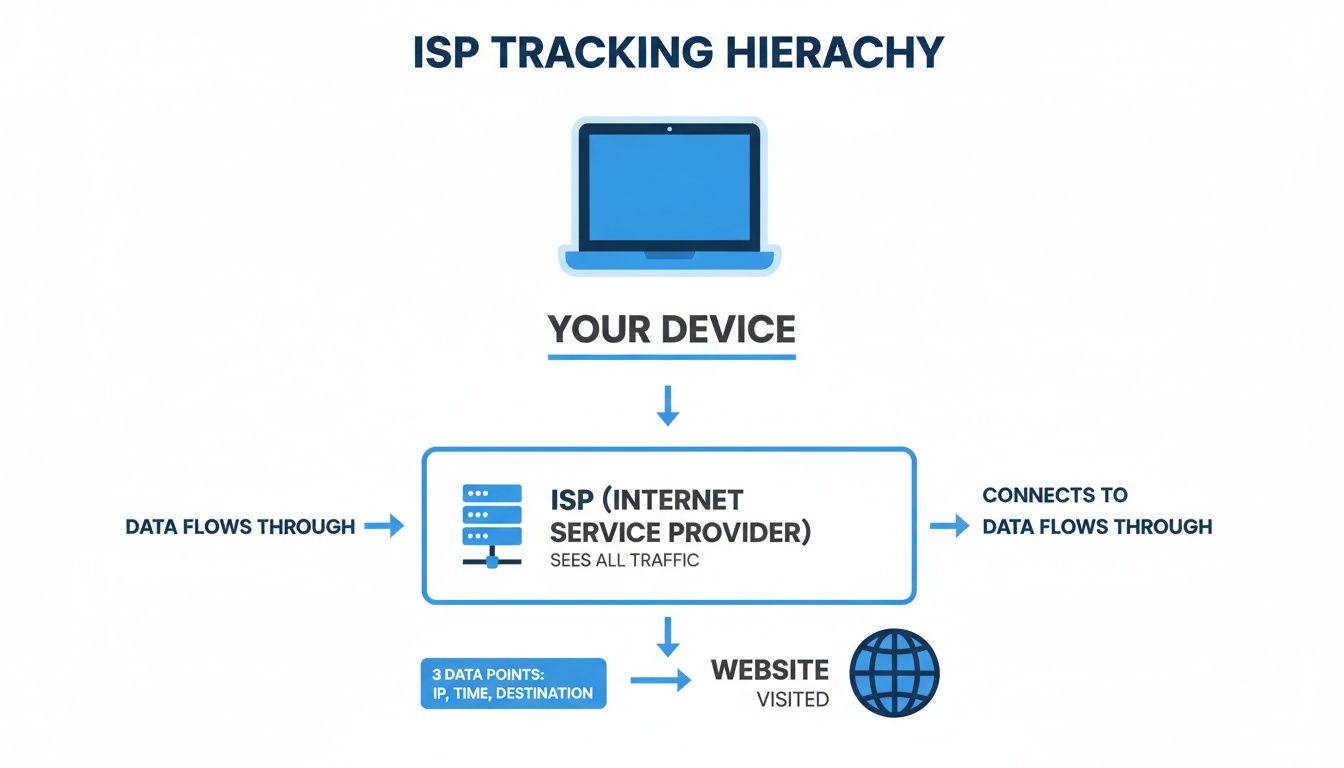
As you can see, your ISP is the central hub for your connection. It logs every request before passing it along. Without any privacy measures in place, your browsing history is essentially an open book to your provider.
If you ever suspect something is slowing down your connection or not routing correctly, you might find some helpful tools in our guide on network diagnostic utilities.
What Your ISP Can See at a Glance
To make it even clearer, let's break down what's visible versus what's private. The biggest factor is whether the site you're visiting is encrypted (HTTPS) or not (HTTP).
| Your Activity | Unencrypted Site (HTTP) | Encrypted Site (HTTPS) |
|---|---|---|
| Website Visited | Yes. They see the full URL (e.g., example.com/article-name). |
Yes. They see the domain name (example.com) but not the full path. |
| Specific Content | Yes. They can see text, images, and anything else on the page. | No. The content of the page is encrypted and unreadable. |
| What You Type | Yes. Passwords, search terms, and form data are all visible. | No. Your inputs are fully encrypted and private. |
| DNS Queries | Yes. They see your requests to translate domain names into IP addresses. | Yes. Standard DNS queries are unencrypted and visible. |
| Time & Duration | Yes. They log when you connect and for how long. | Yes. Connection timestamps and duration are still logged. |
| Data Amount | Yes. They can track how much data you use. | Yes. The amount of data transferred is still visible. |
This table shows why HTTPS is so important for everyday privacy. While your ISP will always know which websites you're connecting to, encryption prevents them from seeing the sensitive details of what you're doing there.
Understanding HTTP vs HTTPS Encryption
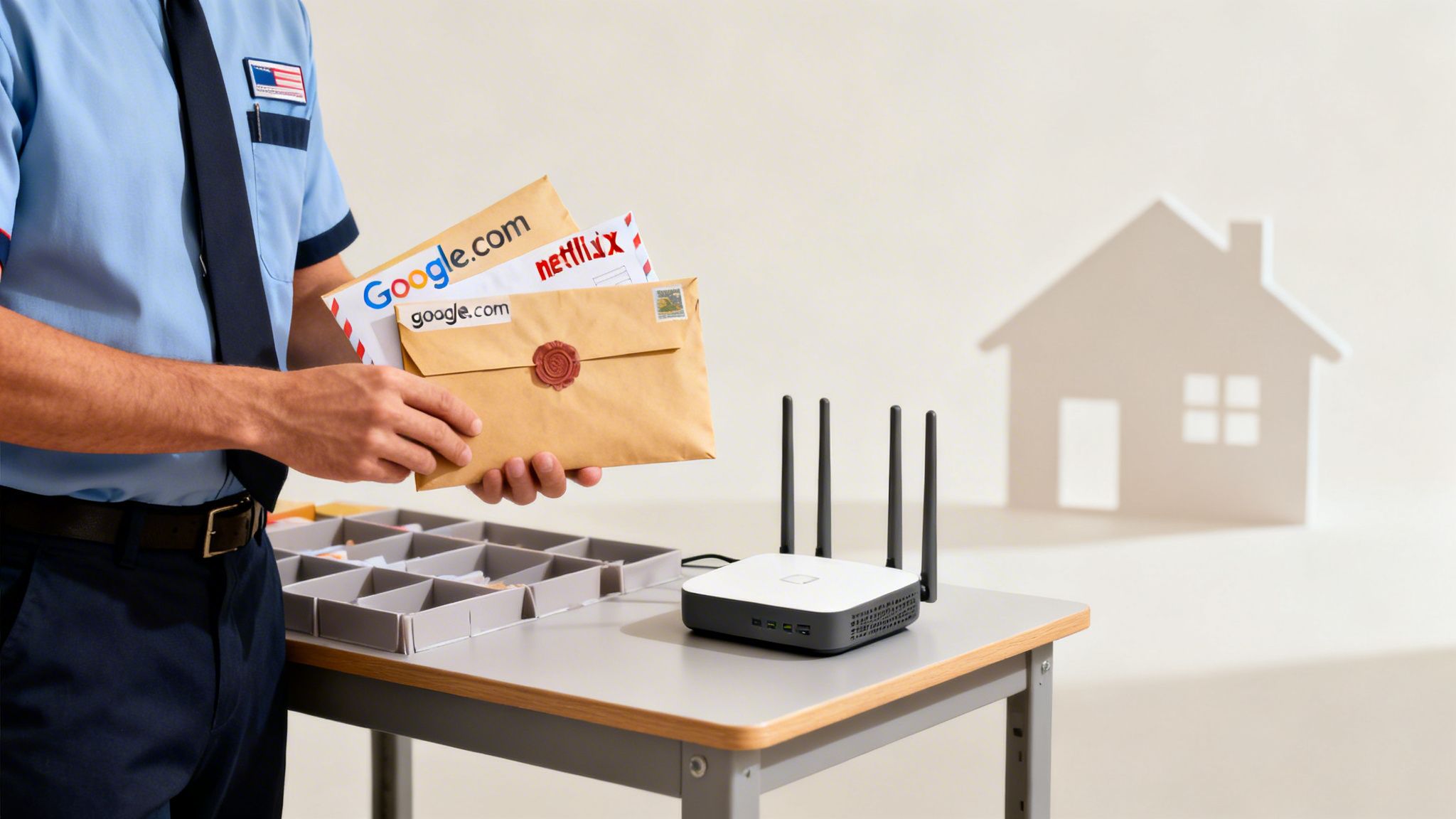
To really get what your internet provider can see, we first need to talk about the difference between HTTP and HTTPS. The easiest way to think about it is like sending mail. HTTP is a postcard anyone can read, while HTTPS is a sealed, secure envelope.
That single letter—the 'S'—is the most important piece of the puzzle for your online privacy.
When you go to a website using an old-school, unencrypted HTTP connection, everything you do is completely exposed. It’s a postcard. Your ISP can read the exact pages you visit, the words you type into that site’s search bar, and even information you put into forms, like usernames or passwords.
Thankfully, most of the internet has moved on to HTTPS. That 'S' stands for 'Secure', and it changes everything.
The Power of the Padlock
You’ve probably seen the little padlock icon in your browser's address bar. That’s your sign that the website is using HTTPS, meaning your connection is encrypted. The information is scrambled the moment it leaves your computer and only gets unscrambled when it arrives at the website’s server.
This is where the sealed envelope analogy really clicks. With an HTTPS connection, we—your ISP—act like the postal service. We can see the outside of the envelope, which tells us the destination address. That’s the website's main domain, like premierbroadband.com.
But we absolutely cannot see what’s inside the envelope.
That means while we know you connected to a particular website, we can’t see:
- The specific articles you read or products you viewed.
- Anything you typed into that site's own search bar.
- Your login details or credit card numbers.
- Messages you send or receive on that platform.
Key Takeaway: HTTPS encryption is your first and most powerful line of defense. It stops your ISP from seeing the content of what you do online, even though we can still see the destinations you connect to.
This is a form of traffic encryption. For an even deeper level of security, especially for messaging and calls, it's worth understanding end-to-end encryption, which provides another layer of protection.
Why You Still Need to Be Cautious
Today, well over 90% of all web traffic is protected by HTTPS, which is great news. But those old, unsecured HTTP sites are still out there. If you ever land on one, you should work from the assumption that everything you do is visible.
Modern browsers are pretty good about warning you before you type anything into an insecure page. It’s a warning you should always take seriously.
Protecting your family's digital life is about more than just your browsing habits. To see how we can help lock down your entire home network, take a look at our managed network security solutions. It’s the simplest way to build a secure foundation for every connected device in your home.
The Hidden Data Trails of DNS Queries and Metadata
Even with HTTPS encryption—which is like a sealed envelope for your data—your ISP can still see some pretty critical clues about where you go online. Two of the most revealing breadcrumbs you leave behind are DNS queries and metadata.
Taken together, these hidden trails can paint a surprisingly detailed picture of your online life.
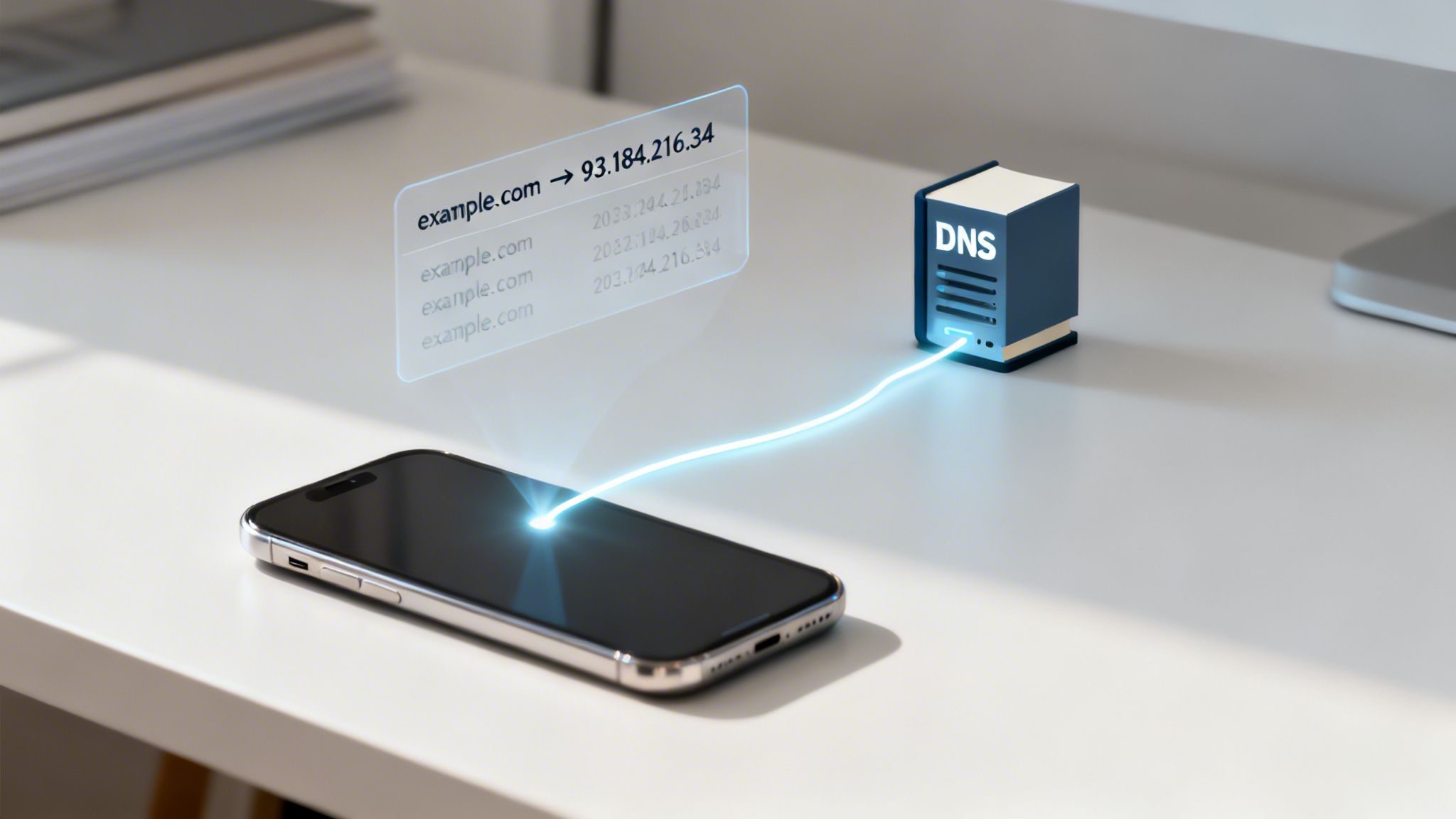
Think of the Domain Name System (DNS) as the internet's address book. When you type premierbroadband.com into your browser, your computer needs to ask for directions. It sends a request to a DNS server asking, "What's the numeric IP address for this website?" By default, that request goes straight through us, your ISP.
This means for every website you visit, we see the "lookup" request. It’s a bit like seeing the address on an envelope without being able to see the letter inside. This creates a clear history of every domain you access, even before you connect to the sites themselves.
What Is Internet Metadata?
Beyond just those DNS requests, we also see metadata—which is simply the data about your data. While we can’t peek inside that encrypted envelope, we do see all the information written on the outside. This includes who sent it, its destination, when it was sent, and how big it is.
This metadata offers a ton of information. As this in-depth data use guide from BroadbandNow explains, ISPs often log your IP address, the websites you visit, which apps you use, timestamps, and even your general location.
Key Insight: Metadata can be just as revealing as your search history. An ISP doesn't need to read your messages to know you were on a messaging app at 2 AM or see your search terms to know you spent three hours browsing a car-buying website.
Even though around 80% of internet traffic today is encrypted, that leaves a surprising amount of traffic that isn't. For that remaining 20%, an ISP can see everything: the full web address, any search terms you type, and whatever you post. Since the 2017 repeal of net neutrality rules in the U.S., some providers have looked for ways to monetize this data, which makes understanding these hidden trails more important than ever.
How Metadata Creates a Profile of You
When you put all this information together, a detailed digital profile starts to emerge. Your ISP can see patterns that reveal a lot about your life without ever seeing a single one of your search queries.
- Your Schedule: Timestamps show when you’re online, which can indicate your sleep schedule or work hours.
- Your Interests: The domains you visit point directly to your hobbies, from gaming sites to news outlets and your favorite shopping spots.
- Your Household: The number and types of devices connected to your Wi-Fi can suggest how many people live in your home.
This collection of metadata is often more valuable than knowing a single search term. It’s the difference between knowing you searched for "new cars" and knowing you visited three specific dealership websites, spent hours comparing models, and then looked at a loan calculator. The speed of these connections can also be a factor, and you can learn how to test your network latency with our handy guide.
Does Incognito Mode Hide Your Searches From an ISP?
It’s one of the biggest myths in online privacy: the idea that opening an “Incognito” or “Private Browsing” window makes you invisible online. While it sounds like a digital cloak of anonymity, its real purpose is much simpler and entirely local.
Incognito mode is all about keeping your browsing secret on your device. When you use it, your browser won't save your history, cookies, or anything you type into forms. Once you close that window, it’s like your session never happened—perfect for hiding your activity from the next person who uses your computer.
But the moment your internet request leaves your device, that protection disappears. Incognito mode does absolutely nothing to hide your activity from us, your internet provider. We can still see every website you visit, exactly as we would if you were using a normal browser window.
What Incognito Mode Does and Doesn't Do
Think of Incognito mode as a self-tidying guest room. You can use it however you want, and when you leave, the room cleans itself, leaving no trace you were there. But the hallway cameras and the doorman still saw you come and go.
In this analogy, we’re the doorman and the building security. Incognito mode doesn't make you invisible to the network you're using.
The Hard Truth: Incognito mode does not hide your browsing activity from your ISP, your employer, or the websites you visit. It is strictly a local privacy feature for your device.
So, if you're asking, "can my internet provider see what I search in Incognito?" the answer is a simple yes. All the DNS lookups and connection metadata we talked about earlier are still generated and visible to us, no matter what your browser settings are. It’s a handy tool for keeping things private in your own home, but it's not a real solution for ISP privacy.
How You Can Protect Your Online Privacy
Knowing what your ISP can see is one thing, but taking action to protect your privacy is what really matters. The good news is, you don't need a degree in computer science to take back control. There are a handful of straightforward tools that can put a shield around your online activity.
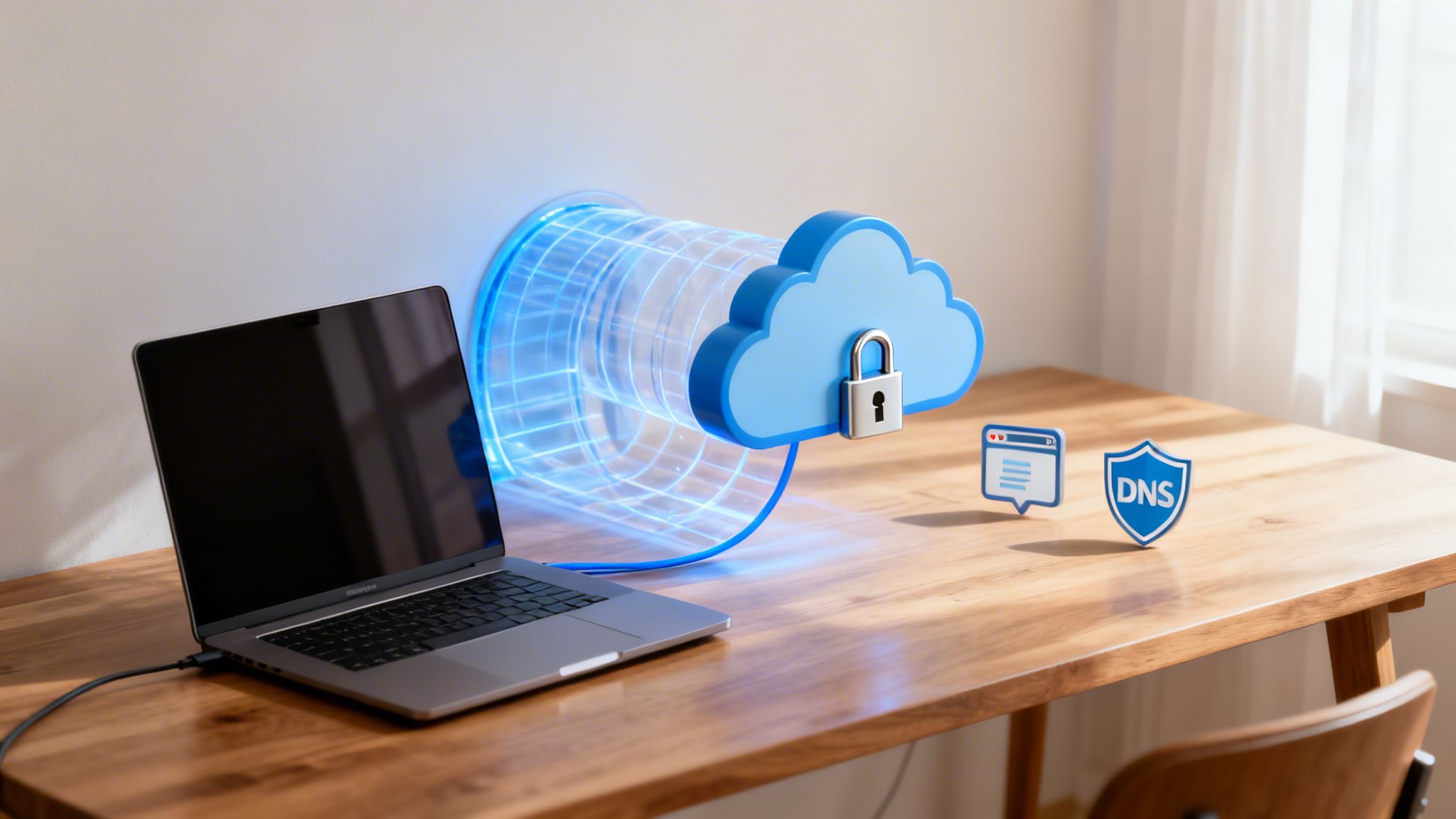
The single most powerful tool for this is a Virtual Private Network (VPN). The easiest way to think of a VPN is as a private, encrypted tunnel for your internet connection. When you turn on a VPN, it routes all your traffic through a secure server run by the VPN company.
This simple step does two crucial things. First, it encrypts your connection from end to end, which makes your activity completely unreadable to us. Second, it hides your real IP address, swapping it with one from the VPN's server. All we can see on our end is that you're connected to a VPN—that’s it. We can't see which websites you're visiting or what you're up to.
Use a VPN to Encrypt Your Entire Connection
A VPN essentially acts as a middleman between your computer and the internet. Instead of your device directly asking us to connect to a website, it first connects to the VPN. The VPN then makes the request for you.
This process completely blinds us to your activity. All we can detect is a single, scrambled stream of data going to one VPN server. Every website you visit, every DNS lookup—it’s all hidden inside that secure tunnel. It's the most complete way to stop your ISP from seeing the websites you visit.
A big part of protecting your privacy is learning how to hide your IP address with tools like these. It's a key skill for controlling who sees what you do online.
Change Your DNS Settings
By default, your computer uses our DNS servers to look up websites, which can create a record of the sites you visit. A simple and effective change is to switch to a third-party DNS provider that focuses on privacy, like Cloudflare (1.1.1.1) or Quad9 (9.9.9.9).
Many of these services now offer DNS over HTTPS (DoH). This feature encrypts your DNS requests, hiding them from us. While this alone doesn't hide the website you ultimately connect to (since your IP traffic is still visible), it's an excellent way to plug the data leak that comes from plain-text DNS lookups.
Privacy Tip: For the best protection, combine a VPN with a secure DNS service. This creates multiple layers of security. The VPN hides your web traffic, and the secure DNS protects your domain lookups. It leaves very little for an ISP to see.
For those who want to protect their whole family, we also have a guide on how to secure your home network that works well with these personal privacy tools. By taking a few practical steps, you can seriously shrink your digital footprint and keep your browsing private.
Quick Answers to Your ISP Privacy Questions
Understanding internet privacy can get confusing, fast. Let's clear things up by tackling some of the most common questions we hear about what your internet provider can (and can't) see.
Can My ISP See Searches on My Phone?
Yes, absolutely. The type of device you use—whether it's a phone, laptop, or smart TV—doesn't change what your provider can see.
When your phone is connected to your home Wi-Fi, your ISP sees the same website connection data. If you turn off Wi-Fi and switch to mobile data, your cellular company simply takes over the role of the ISP. The principle is the same: whoever provides the connection can see the domains you visit.
Does Deleting My History Hide It From My ISP?
No, this is a common misconception. Deleting your browser history has zero effect on what your ISP can see.
Think of your browser history as a personal logbook kept right there on your computer. Erasing it just gets rid of your local copy. Your ISP keeps its own separate, independent records of your activity on its servers, and clearing your device does nothing to change that.
Is a VPN All I Need for Total Privacy?
A VPN is an incredibly powerful tool for privacy. It encrypts your connection, effectively making your online activity invisible to your ISP. For most people, a good VPN is the single most effective step you can take to protect your online privacy.
That said, it's important to know that no single tool can provide 100% complete anonymity. Achieving true online invisibility is nearly impossible. For practical, everyday protection from ISP tracking, pairing a quality VPN with smart browsing habits is an excellent and effective solution.
At Premier Broadband, we believe you deserve transparency and the knowledge to control your online experience. Whether you're looking for fast, reliable fiber internet or the tools to secure your network, we're here to help keep you connected and safe.
Learn more about our services at https://premierbroadband.com.