ExperienceIQ
Tailored content control appropriate for everyone in your home.
Family Content Controls
ExperienceIQ
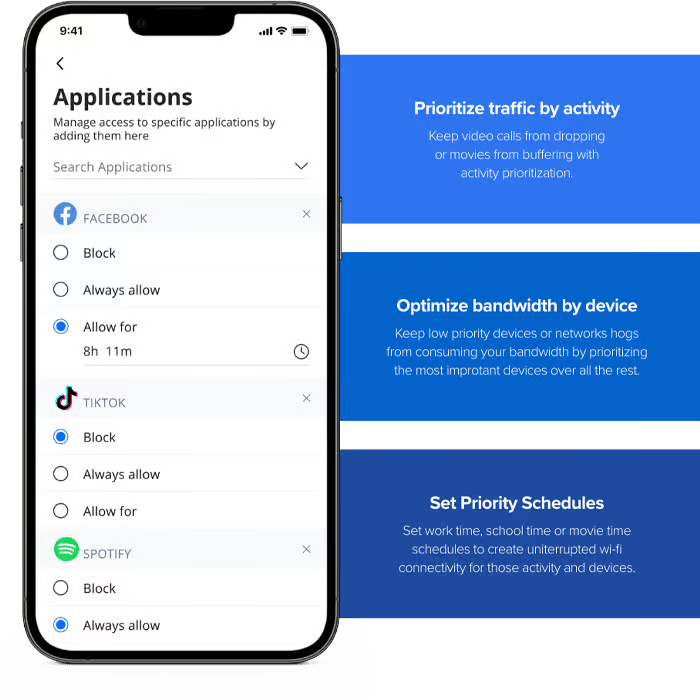
ExperienceIQ allows you to set the rules for sites like YouTube, TikTok and games like Roblox and Minecraft. From managing screen time to monitoring websites and every app used across all your family’s connected devices, this is managing your network made simple.
You Decide What Content’s Appropriate. And How Much.
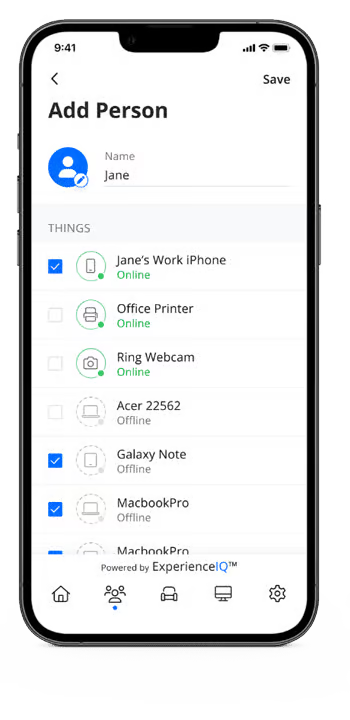
ExperienceIQ manages all your family’s devices and content access from the app. You can customize whatis appropriate to keep your family safe online.
ExperienceIQ:
Control Features
WiFi devices at home: game systems, smart TVs, phones, computers, tablets
Custom settings by family member
Screen time limits
Usage and history
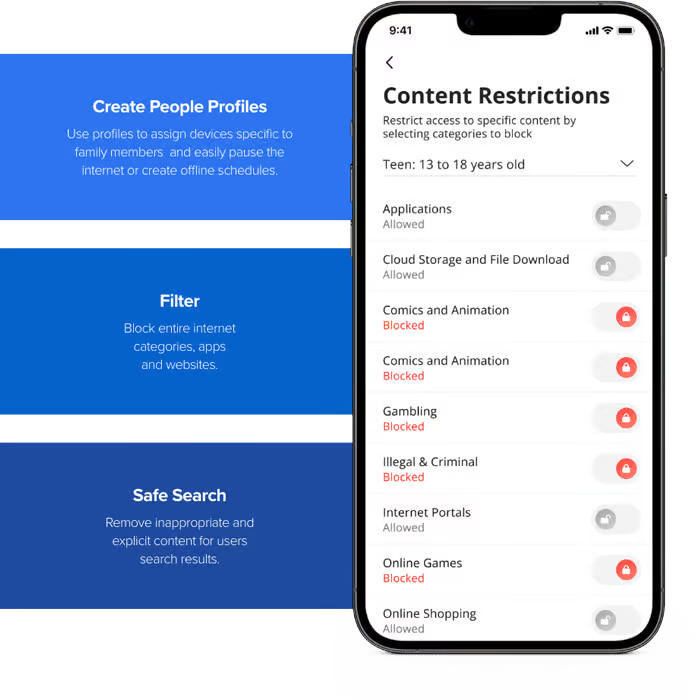
Safe search
Content filtering
Preset off times
Pause
Bedtimes
Device and activity priorities
ExperienceIQ With My Priorities Activity and
Device Broadband Optimization
ExperienceIQ Content Control Features
ExperienceIQ
You set the rules.
We'll help you enforce them.
Part of the Ultimate WiFi experience
The all-in-one, peace of mind, WiFi control solution.