
Requirements
- Access to Manager Portal – Must be user’s own account, cannot be done via impersonation
- SSO must enabled on your domain (Confirm with your service provider that this has been done)
Set Up SSO
- Log in to the Manager Portal
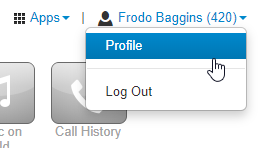
- Select Profile under your name.
NOTE: Office Managers and above must select My Account under their name first
3. Scroll down to Account Security and select the type of Single Sign-On you want to enable
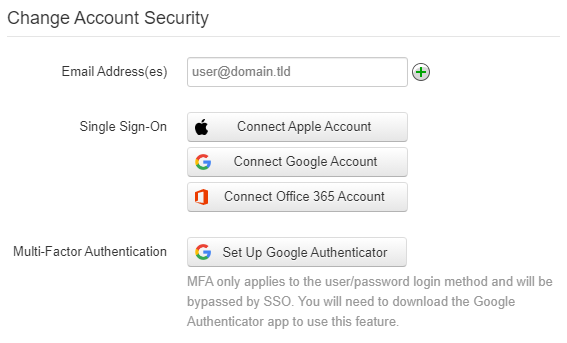
4. When prompted, enter your login credential
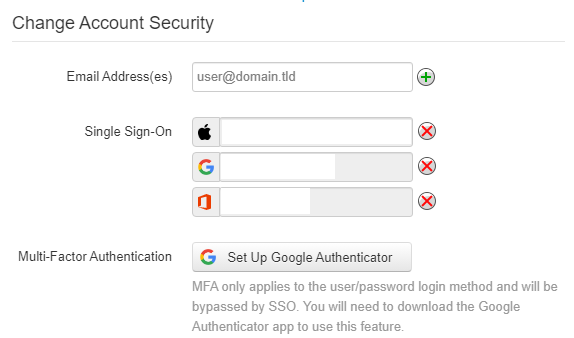
5. Once you’ve logged in, the Single Sign-On field will update to reflect the email address of your account
6. You will need to enter your Current PBX Password to Save
Sign in with SSO
- Navigate to the Manager Portal, or Open your OIT Connect (or SNAPmobile) App
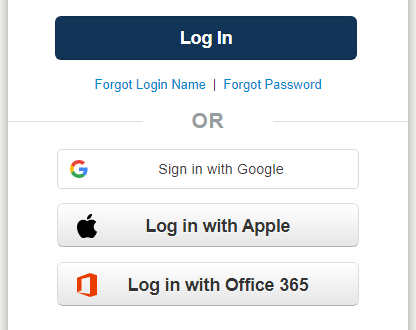
- Log in with either Google or Office 365
3. After logging in, you should be directed to your home screen


