
It’s a bizarre and unsettling feeling. A stranger texts you, "Stop calling me," or you get an angry call from someone you've never dialed. If you're getting these messages, it's a clear sign someone is using your phone number.
The first thing you need to figure out is whether your number is being "spoofed" or if it's been completely hijacked. Your next steps depend entirely on figuring out which one it is, because one is a nuisance and the other is a serious security emergency.
How to Tell If Someone Is Using Your Phone Number
When you realize your number is being used without your permission, it's easy to assume the worst. But before you panic, let's break down the two most common situations: caller ID spoofing and a full account hijack.
Knowing the difference is key. Spoofing is frustrating and can tarnish your number's reputation, but a hijack is a direct attack on your entire digital life.
Spoofing vs. Hijacking: What's Happening to Your Number?
Caller ID spoofing is when a scammer or robocaller fakes their outbound caller ID to show your phone number instead of their own. They don't have any access to your phone or your account. They’re just temporarily borrowing your number's identity to look more trustworthy and trick people into answering.
This is incredibly common. Scammers blasted U.S. phones with an estimated 52.5 billion robocalls in 2025, and a huge chunk of those used spoofed numbers to get past spam filters.
A phone number hijack, on the other hand, is much more sinister. This usually happens through a "SIM swap" or a "port-out" scam where a criminal tricks your carrier into giving them control of your phone line. Once they have it, they can make your calls, send your texts, and—most terrifyingly—intercept the two-factor authentication (2FA) codes sent to you by your bank, email, and social media accounts.
To figure out what you're dealing with, let's compare the symptoms side-by-side.
| Symptom | Likely Cause Is Spoofing If… | Likely Cause Is Hijacking If… |
|---|---|---|
| Incoming Communication | You're getting confused or angry texts and return calls from numbers you don't know. | You've completely lost cell service ("SOS Only" or "No Service") for no obvious reason. |
| Account Access | Your accounts are working normally. | You're locked out of your email or bank accounts, or you see login alerts you didn't initiate. |
| Your Phone's Behavior | Your phone works fine, and your call/text history looks normal. | You can't make calls or send texts, even after restarting your phone. |
| Verification Codes (2FA) | You aren't receiving any unexpected codes. | You suddenly get a flood of 2FA codes for apps you weren't trying to access. |
This table should give you a quick diagnosis. Spoofing is an external problem caused by others, while hijacking is an internal problem where you've lost control.
This decision tree can also help you visualize the process and figure out whether you're dealing with a simple spoof or a much more dangerous hijack.
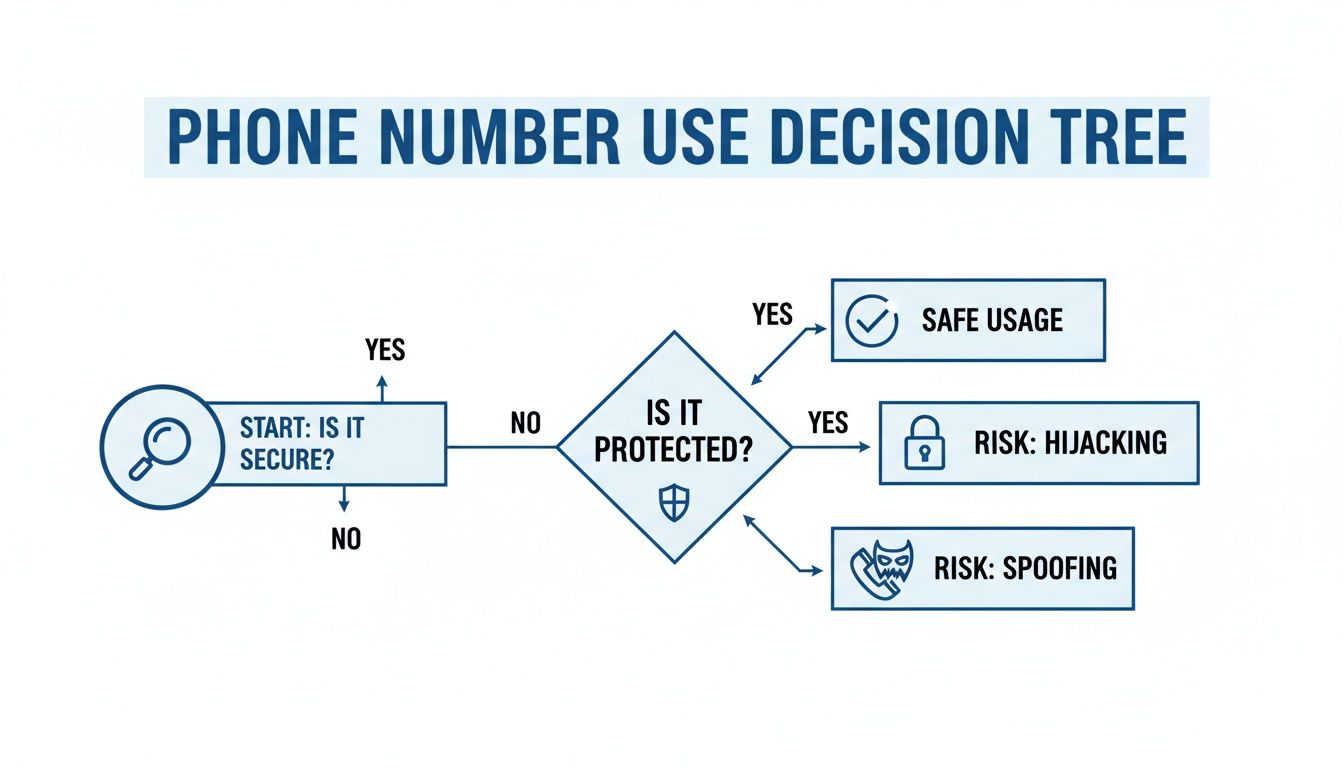
Based on that, here are the key signs to watch for:
- You're getting angry calls or texts from strangers. People are calling back, insisting you just called them. This is the hallmark symptom of your number being spoofed.
- You completely lose cell service. Your phone suddenly drops to "No Service" or "SOS only" and stays that way. This is a massive red flag for a SIM swap hijack.
- You see calls or texts you didn't make in your history. Your phone's official call log shows outbound activity you don't recognize. If you're a business seeing this, you can check out our guide on handling suspected spoofed DIDs.
- You're getting random 2FA codes. Security codes for your bank or social media pop up when you aren't trying to log in. This is a huge warning sign that a hacker has your password and is trying to take over the account.
Your First Moves to Contain the Threat
If you think your phone number has been stolen, you have to act fast. Every second a criminal has control, they’re digging deeper into your digital life, intercepting security codes, and locking you out of your own accounts. The goal right now is damage control: cut them off and secure your territory.
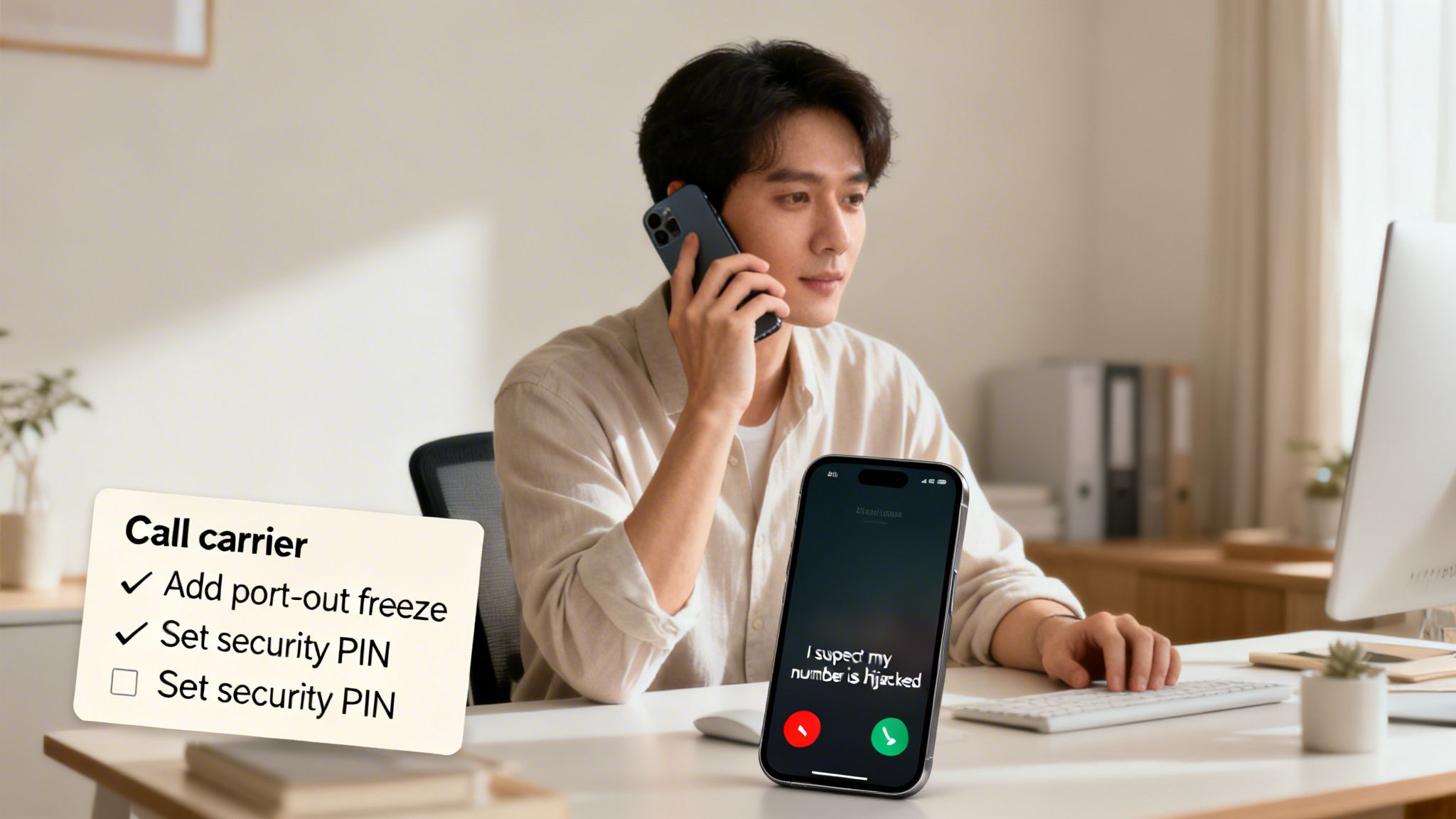
First, find another phone. Use a landline, a friend's mobile, anything but your own device, which might not even work anymore. Call your mobile carrier immediately. When you connect with an agent, be direct and clear.
"I suspect my number is being hijacked through an unauthorized SIM swap or port-out. I need to lock my account and confirm I am the legitimate owner."
Using specific terms like “unauthorized SIM swap” or “port-out fraud” signals to the support agent that this is a serious security incident. It helps them escalate your case beyond a standard support ticket. Insist they add a security PIN to your account immediately to block any further changes and ask for a port-out freeze to prevent the number from being moved to another carrier.
Investigate Your Own Device
While you have your carrier on the line (or right after), it’s time to play detective on your own phone. Hijackers aren’t always invisible; they often leave behind clues that can tell you exactly what happened.
Take a hard look through your phone’s recent activity for anything that seems off.
- Call and Text Logs: Do you see calls to numbers you don't know? Or text messages with verification codes for accounts you weren't trying to access? These are huge red flags.
- App Data Usage: Head into your phone’s settings and check data usage by app. If an app you rarely use suddenly shows a massive spike in data consumption, it could be spyware sending your information to a criminal.
- New or Hidden Apps: Scroll through every single app on your phone. Some malicious apps can hide their icons, so you’ll need to check the full application list in your settings menu to find them.
This quick forensic check provides a clearer picture of the breach. Finding a text to a random number right before a password reset alert from your bank is a smoking gun. Understanding these tactics is a core part of personal security, and you can learn more about general best practices for network security in our detailed guide.
Perform a Full Reboot
Last but not least, do the simplest thing you can do: turn your phone completely off. Wait a full 30 seconds, then power it back on.
This isn't just an old tech support trick. A full reboot can sever any active connection a hacker or malicious software has to your device. It forces every single app and background process to shut down and restart. While this won't remove the malware itself, it can kick an attacker out of a live session, buying you precious time to change your passwords and secure your accounts from another device, like a trusted computer.
Securing Your Digital Identity from Hijackers
Once you've stopped the immediate bleeding, it's time to go on the defensive and lock down every digital account tied to your phone number. Just think about it: your number is the master key to your entire online life. If someone is using your phone number, they're getting your password reset links and security codes. That’s all they need.
Your financial apps and main email are the absolute crown jewels. A hijacker with access to your bank app can empty your accounts in minutes. And with your email, they can find and reset the password for just about every other service you use.
Strengthen Your Account Defenses
This is where you need to be methodical. Go through your most important accounts one by one. This isn't just about changing a password; it’s about fundamentally changing how you prove you are who you say you are.
Here's the order I'd tackle them in:
- Banking and financial apps (like Chase, PayPal, or Robinhood)
- Your primary email account (Gmail, Outlook, etc.)
- Major social media accounts (Facebook, Instagram, X/Twitter)
- E-commerce sites with saved cards (think Amazon or Shopify)
For every single account, set a new password. Make it long, make it weird, and most importantly, make it unique. Reusing passwords is like using the same key for your house, your car, and your safe—one breach, and you lose everything. To keep your digital life from getting hijacked, it's worth learning how to secure your business smartphone.
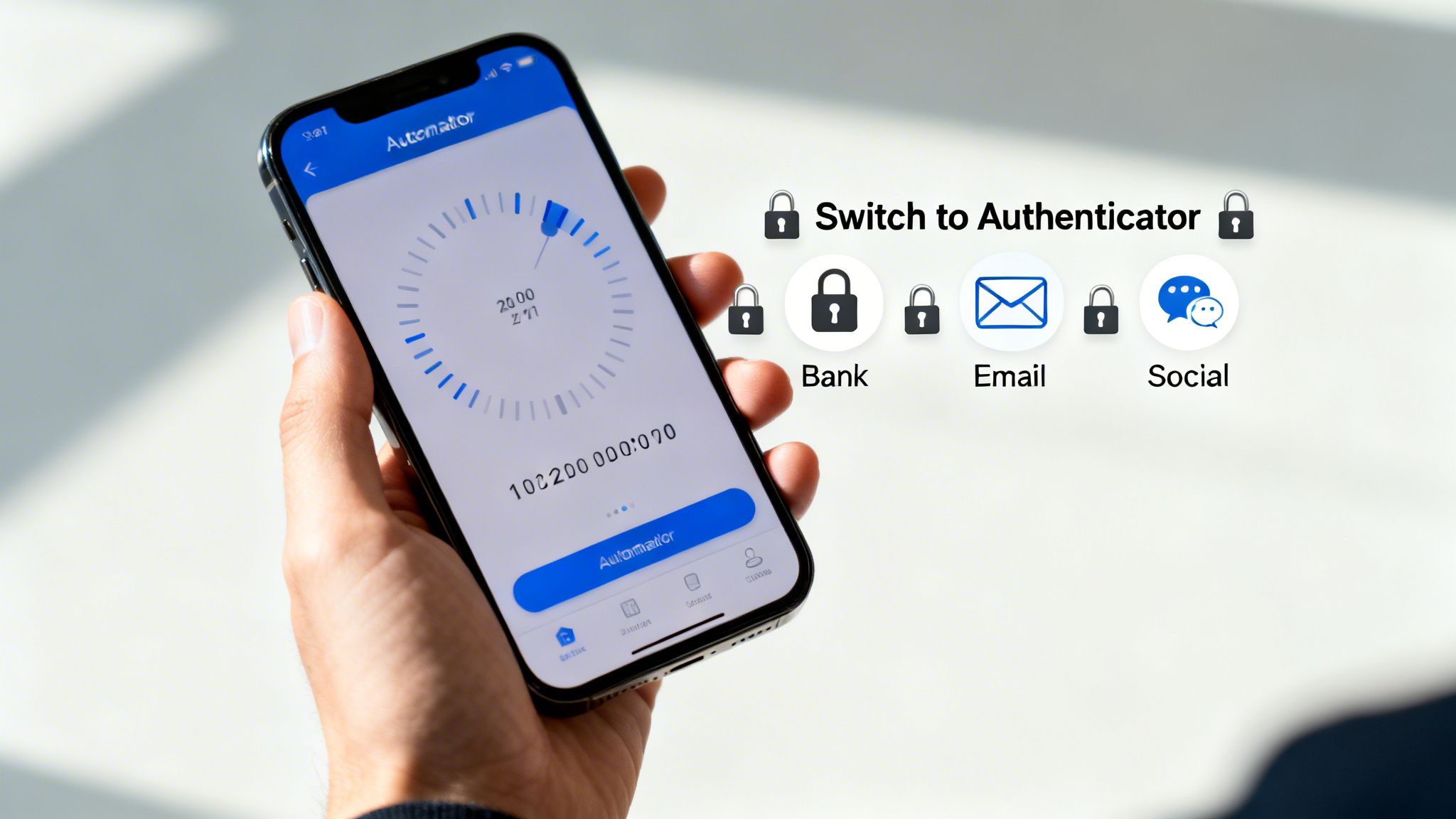
But here’s the most important move you can make: get away from SMS-based two-factor authentication (2FA). When a scammer controls your phone number, they get your 2FA texts, making that security step completely worthless.
Key Takeaway: If a service offers it, switch your 2FA method from SMS to an authenticator app like Google Authenticator or a physical security key. This severs the dangerous link between your account security and your potentially compromised phone number.
The financial stakes here are staggering. Global consumer losses from robocalling fraud are on track to blow past $80 billion in 2025. Much of that is fueled by scams that take over phone numbers. SIM swap attacks, one of the most common ways they do this, skyrocketed by an unbelievable 1,055% between 2023 and 2024. Victims are losing thousands as crooks waltz past SMS 2FA and drain their accounts. You can explore more data on this growing threat on JuniperResearch.com.
A Real-World Hijacking Scenario
Picture this. A scammer tricks your carrier into swapping your phone number to a SIM card they control. While you're staring at your phone wondering why you have no service, they're already busy.
They head to your banking app and tap "Forgot Password." The reset link gets sent straight to them via text. Next, they log in and get hit with a 2FA prompt—and that code also goes directly to their device.
In a matter of minutes, they’ve added themselves as a Zelle recipient and wired your entire checking account balance to a ghost account. By the time you figure out what’s happened, the money is gone. This exact scenario plays out every single day, and it's a brutal lesson in why relying on SMS for security is a risk nobody should be taking. It's also a big reason why people are exploring other communication options; our guide on what are VoIP phone numbers offers more context on how these systems work.
Advanced Security for Your VoIP Phone System
If your home or business runs on a Voice over IP (VoIP) system, you’re in a much stronger position to fight back when you suspect someone is using your phone number. Unlike a traditional mobile line, VoIP systems are managed from a central point of control, which gives you a huge advantage in spotting and stopping fraud.
Think about it: your mobile phone is a single, isolated device. A VoIP system, on the other hand, is run from a cloud dashboard. That dashboard is your security command center, giving you a real-time, bird's-eye view of every single thing happening on your phone lines.
Put Your Cloud Dashboard to Work
The second you think there's a problem, your first stop should be your VoIP provider's online portal. This is where you'll see instantly if something is off. From this one screen, you can take immediate, decisive actions that are simply not possible with a standard mobile plan.
Here’s what you can usually do right from your dashboard:
- Instantly Lock a Compromised Line: If you spot suspicious calls coming from one user's extension, you can disable it with a click. That immediately cuts off the hijacker's access.
- Review Detailed Call Logs: VoIP dashboards give you incredibly detailed logs of all inbound and outbound calls—far more than a typical phone bill. Be on the lookout for calls at odd hours or to unfamiliar international numbers.
- Force a System-Wide Password Reset: You can trigger a password reset for every user on your system. This forces everyone to create new, secure credentials and immediately boots out anyone using stolen ones.
The true power of VoIP security is the speed. Instead of sitting on hold with a mobile carrier to freeze an account, a business owner or IT admin can shut down a threat from their web browser in seconds.
Turn VoIP Features into an Audit Trail
Many of the standard features that come with a VoIP plan also happen to be powerful security tools. They create a clear, documented record of all activity, which makes it much easier to trace the source of a problem and gather evidence if you need to report it.
A perfect example is voicemail-to-email. Say a scammer tries to access one of your online accounts and has the reset code sent to your voicemail. With this feature, that audio file is automatically forwarded to your email. You now have a recording of the automated system—or maybe even the scammer themselves—creating an undeniable audit trail. A fleeting voicemail just became a permanent piece of evidence.
Top-Tier Protection for Businesses
For businesses, the stakes are obviously higher. A compromised or spoofed number can wreck your company's reputation and lead to serious financial losses. Thankfully, VoIP systems come with business-grade tools built to handle these exact threats.
One of the most powerful tools is branded caller ID. This technology works directly with carriers to display your company's official name and logo when you call someone, confirming the call is legit. This makes it almost impossible for a scammer to effectively spoof your number—their call will just show up as a generic number or "Spam Likely," while your real calls get through verified.
It's also worth noting that certain network settings can interfere with VoIP call quality and security. You can learn more by reading our guide on what SIP ALG is and how to disable it. Taking control of your VoIP system is about more than just making calls; it’s about building a rock-solid defense for your personal and professional identity.
How to Report the Incident and Monitor for Fallout
Once you've locked down your accounts, it’s time to go on the offensive. Creating an official paper trail of the incident is a non-negotiable step. This isn't just about your own recovery; your report is a crucial piece of evidence that helps authorities connect the dots and take down the larger criminal networks behind these scams.
The Federal Trade Commission (FTC) should be your first stop. Head over to IdentityTheft.gov, the main hub for consumer identity theft complaints. Filing a report here does two things: it generates a personalized recovery plan and gives you an official affidavit, which is vital for proving to banks and other businesses that your identity was stolen.
Making Your Official Report
When you file your report with the FTC, be ready to give them a clear, detailed account of what happened. You’ll need to explain exactly how your number was misused, which accounts were compromised, and any money you lost. Treat it like you're building a case file.
Next, you need to file a separate complaint with the Federal Communications Commission (FCC). The FCC is the agency that deals specifically with phone, internet, and TV fraud, so they are the ones who handle complaints about caller ID spoofing and SIM swap attacks. Your report helps them spot trends and hold carriers accountable for security lapses.
When you file, make sure to include:
- The compromised phone number.
- A timeline of events, starting from the moment you noticed something was wrong.
- The specific type of incident (e.g., spoofing, SIM swap, port-out).
- Any evidence you have, like screenshots of unauthorized 2FA codes, notes on angry callbacks you received, or the exact time you lost service.
If the attack led to a direct financial loss—like a scammer emptying your bank account—you also need to file a report with your local police department. Banks and credit card companies almost always require an official police report to process fraud claims and reverse charges.
Don’t think your report will just disappear into a government database. It might feel that way, but every single complaint adds to a mountain of data that law enforcement and regulators use to track, hunt down, and shut down these fraud operations.
Staying Vigilant During the Aftermath
Getting your number back is a huge relief, but the fight isn't over. The real-world consequences of phone number theft can linger for months. Your focus now has to shift from damage control to long-term monitoring.
Immediately place a fraud alert on your credit files. You only need to contact one of the three major bureaus (Experian, Equifax, or TransUnion), and they are legally required to inform the other two. A fraud alert tells lenders they must take extra steps to verify your identity before issuing new credit. For maximum security, I strongly recommend a credit freeze, which completely locks access to your credit file.
For the next several months, you need to watch your accounts like a hawk. Get in the habit of reviewing your bank statements, credit card activity, and online account logs at least weekly. Look for anything out of the ordinary—small, weird charges, changes to your contact info, or login alerts from odd locations. Scammers often make small test purchases to see if a stolen card works before going for a big score.
If the theft led to someone trying to access your tax information or file a fraudulent return, you may need to file an identity theft affidavit Form 14039 with the IRS to protect yourself.
Frequently Asked Questions About Phone Number Theft
Once you've taken steps to lock down your accounts and report the incident, you're bound to have some lingering questions. When you’re worried that someone is using your phone number, that uncertainty can be the worst part. Let's get you some straight answers to the most common concerns.
Can I Stop Someone from Spoofing My Number
To be blunt: you can't personally stop a scammer from spoofing your phone number. The technology they use to fake a caller ID has nothing to do with your actual phone or your carrier. It's like someone scribbling your return address on an envelope they're mailing—you have absolutely no control over it.
But that doesn't mean you're helpless. Every time you report a spoofed call to your carrier and the FCC, you're feeding them crucial data. This information is what helps authorities track down and shut down the illegal operations behind these robocalls.
Reporting spoofing is about playing the long game. Carriers use this data to fine-tune their spam filters, and newer technologies like STIR/SHAKEN are making it much harder for unverified calls to get through. You're helping make spoofing less effective for everyone.
Should I Just Change My Phone Number
Changing your number is the nuclear option, and frankly, it's rarely the right first move. It’s an effective way to shut down a complete hijacking (like a SIM swap), but it creates a massive headache for you. Think about updating your contact info for every single person, account, and service you use.
Before you make the leap, weigh the pros and cons:
- Pros: A new number immediately severs a hijacker's control over your old line. It gives you a clean slate for your most important accounts.
- Cons: It's a huge logistical pain. More importantly, a new number can be spoofed just as easily as your old one. You won't be immune to the problem.
Because of how disruptive it is, changing your number should always be a last resort. Save this option for severe cases where you've completely lost control of your phone line and can't get it back.
How Does a VoIP Service Offer Better Protection
If you're looking for a stronger defense, a VoIP (Voice over IP) phone system has several security advantages over a standard mobile number. Since VoIP is managed through a central, cloud-based platform, it essentially gives you a command center to oversee and control all your communications.
One of the biggest wins is the added security around porting your number out. VoIP providers typically have much stricter verification processes, making it significantly harder for a scammer to steal your number and move it to their own service.
VoIP dashboards also give you a crystal-clear, real-time look at all account activity. If someone does manage to make unauthorized calls, you can spot the suspicious activity instantly and lock the line down in seconds. Many services also offer smarter caller ID features, helping you tell which incoming calls are legit and which are likely faked before you even answer.
For reliable connectivity with built-in security advantages, consider switching to a provider that puts you in control. Premier Broadband offers crystal-clear VoIP phone service for homes and businesses, backed by advanced features and a 100% fiber network. Protect your identity and simplify your communications by visiting https://premierbroadband.com to learn more.