
You open your banking app to check one charge, then spot five more. Netflix. Hulu. Max. Disney+. Maybe a live TV add-on you meant to cancel after one game or one season finale. None of them felt expensive on their own. Together, they start looking a lot like the cable bill you thought you escaped.
That's the trap. Streaming feels cheap because the charges are small and spread out. The fix isn't one dramatic cut. It's a tighter system: audit what you pay for, rotate services instead of carrying them all year, pick the right tier for how you watch, and make sure your home network isn't pushing you into higher-cost plans or duplicate work tools.
That's how to save money on streaming services without turning movie night into a spreadsheet exercise.
Start with a Streaming Bill Audit
Not everyone has a streaming problem. Many households have a visibility problem. You can't cut waste until you know which services are active, which card they're billed to, and whether anyone in the house is still using them.
In 2025, the average American household spends $52 per month on streaming subscriptions, or about $620 annually, across 2.68 services, according to Adwave's summary of streaming spending data. That average hides a common pattern: one or two core services people use constantly, plus a few “temporary” subscriptions that never got canceled.
Pull every charge into one list
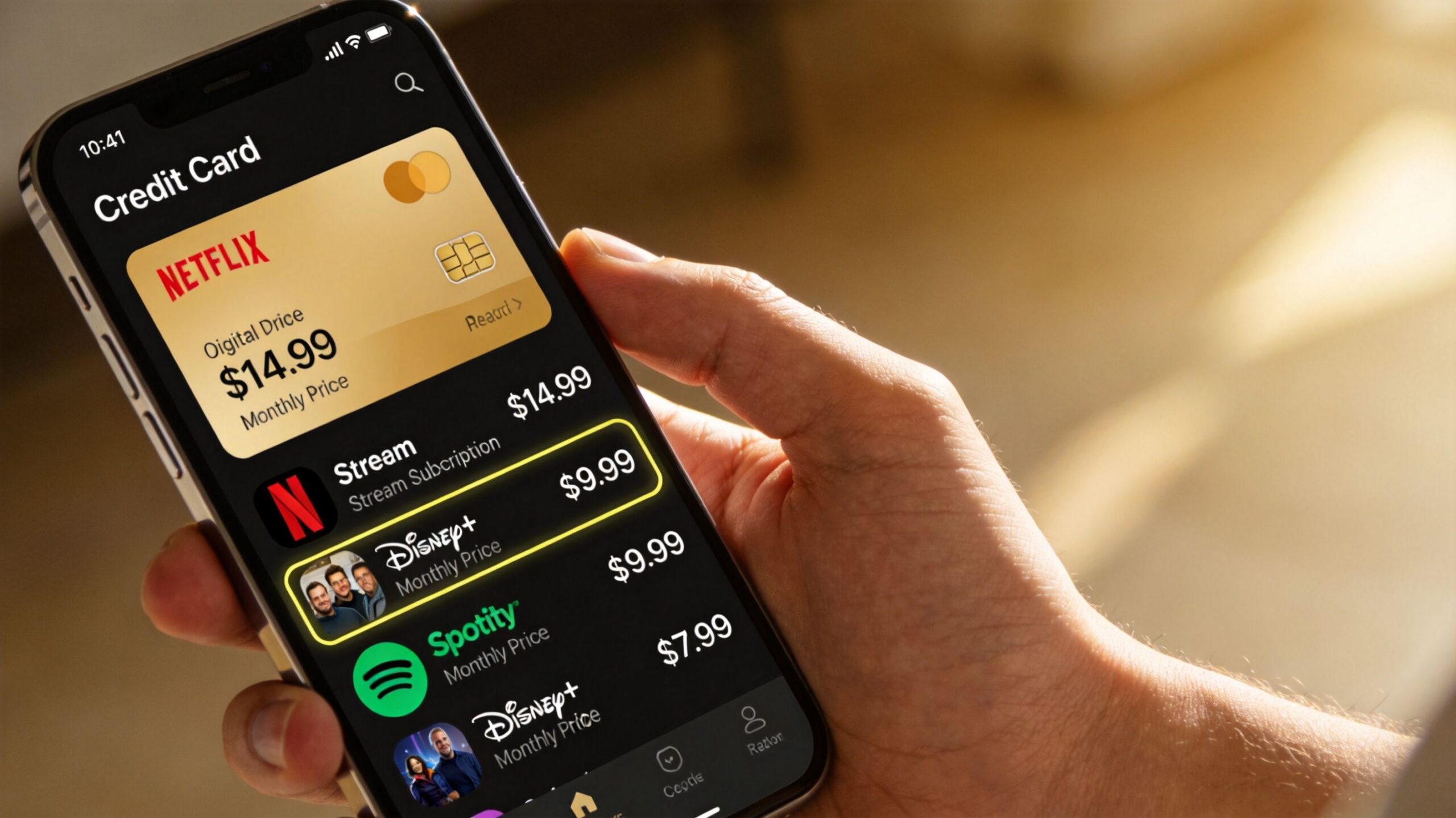
Start with the last few months of bank and credit card statements. If you use an app like Rocket Money or Bobby, great. If not, a simple spreadsheet works fine.
Track these details for each service:
- Service name. Netflix, Disney+, Max, Hulu, sports add-ons, niche apps, music services bundled with TV plans.
- Monthly cost. Use the actual charge, not what you think the service costs.
- Billing source. Credit card, debit card, Apple, Google, Roku, Amazon, mobile carrier.
- Renewal date. This matters when you're timing cancellations and rotations.
- Who uses it. One person, kids only, whole household, or nobody lately.
A lot of waste hides inside third-party billing. People remember “I canceled in the app,” but the charge kept coming through Apple or Roku.
Check usage, not just ownership
The second half of the audit matters more than the first. Open each app and ask a blunt question: did anyone really use this enough to justify the price?
A practical rule is to flag anything that gets very light use. If a service exists for one show, one sports window, or occasional background viewing, it probably shouldn't stay active year-round.
Practical rule: If you have to debate whether you used a service much last month, it's a candidate for cancellation.
I'd also separate subscriptions into three buckets:
- Keep for the services your household uses every week.
- Rotate for platforms tied to specific shows, events, or seasonal viewing.
- Cancel now for anything forgotten, duplicated, or only used out of habit.
If you're still moving away from cable, Premier's guide on how to switch from cable to streaming is a useful companion because it helps map what you need before you start trimming.
Look for duplicate function
The biggest surprise in most audits isn't the most expensive service. It's overlap. Two apps for the same type of content. A live TV package plus multiple on-demand services. A premium add-on someone added once and stopped noticing.
Use your audit to spot where one subscription makes another unnecessary. That's where easy savings usually live.
Implement the 'Subscribe and Binge' Rotation Strategy
Paying for every service all year is the streaming version of leaving every light on in the house. It works, but it's wasteful. A better system is rotation, sometimes called service hopping. You subscribe when you have something specific to watch, finish it, then cancel and move to the next platform.
This works because most major services are month-to-month. You're not locked into an annual contract just because a show has your attention for two weekends.
Build a viewing calendar
Instead of asking “What services do we want?”, ask “What are we planning to watch this month?”
That flips streaming from passive spending to planned spending.
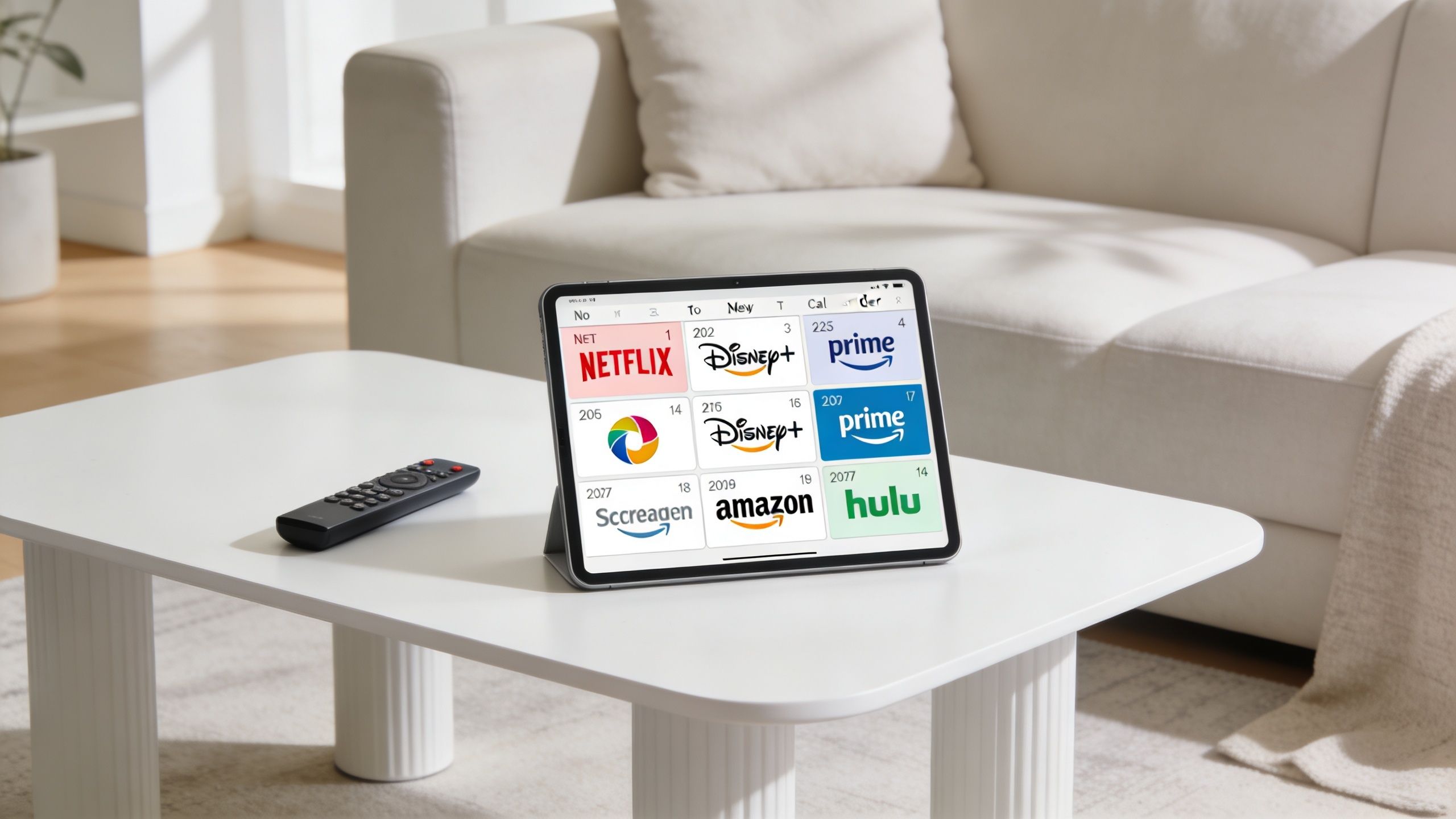
A simple rotation calendar can look like this:
| Month | Active service | Reason |
|---|---|---|
| This month | One primary app | Current show or movie backlog |
| Next month | Different app | New season, family content, sports window |
| Following month | Pause or switch | No must-watch title, or move to next priority |
This doesn't need to be elaborate. A note in your phone is enough. The important part is assigning a purpose to each subscription before you reactivate it.
Use releases to your advantage
Rotation gets easier when you tie it to one title or one cluster of content. If you're trying to find Grey's Anatomy Season 22 Episode 18, for example, you can decide whether that show justifies a month of access or whether you'd rather wait and batch several episodes together.
That same logic works across everything else. One month for prestige drama. One month for family movies. One month for a documentary backlog. Then cancel.
Households often overspend not because they watch too much, but because they keep paying between viewing bursts.
Financial experts endorse this approach. Service hopping can yield 40-60% savings on premium tiers, and households with 3+ services can save $120-240 per year by eliminating one or two unused subscriptions, according to Consumer Reports' guidance on saving money on streaming services.
What works and what fails
What works:
- One anchor service you keep because someone in the home uses it constantly.
- One rotating slot for whatever is currently worth paying for.
- Calendar reminders set the day you subscribe, not the day you plan to cancel.
What fails:
- Subscribing for “options”. That's just another word for overpaying.
- Keeping dormant services active in case something good drops.
- Rotating too fast without a plan, which leads to re-subscribing to the same platform repeatedly in a short window.
If you want ideas before activating Hulu for a month, Premier's roundup of top shows streaming on Hulu right now can help you decide whether it's a rotation month or a skip month.
Choose the Right Tier Ad-Supported vs Ad-Free
A lot of people try to cut streaming costs by canceling whole services when the easier move is downgrading the tier. If you're paying for premium plans across multiple apps, you may be spending extra for features you barely use.
That's especially true if you mostly watch on one screen, don't care much about simultaneous streams, or watch casually enough that a few ad breaks don't ruin the experience.
What the lower tier actually changes
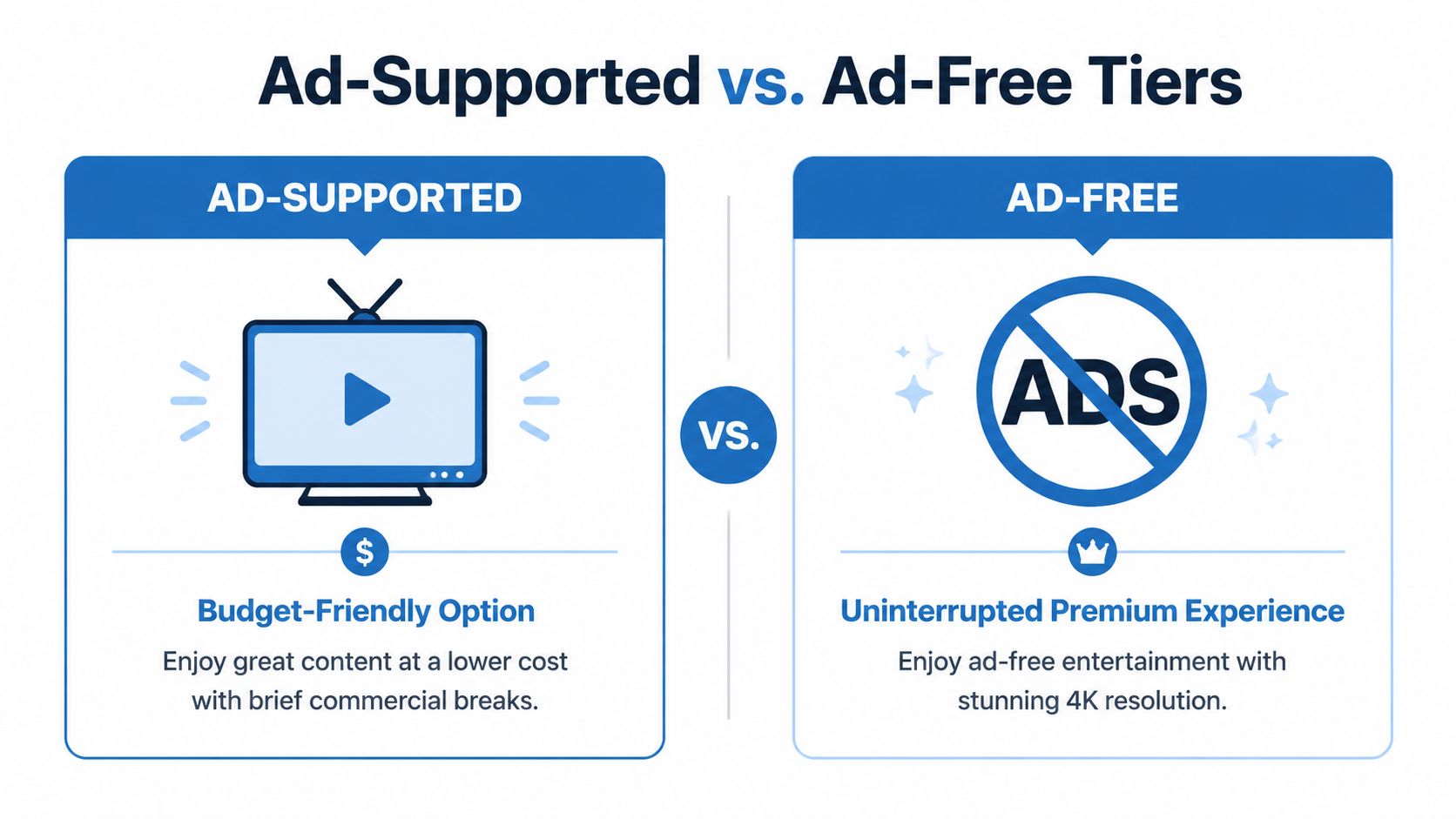
The trade-off isn't mysterious. Ad-supported plans usually reduce some mix of resolution, stream count, and convenience, then insert commercial breaks. For many households, that's a perfectly rational bargain.
Switching to ad-supported tiers can save $7-10 per month per service, and 66% of U.S. viewers say they're willing to accept ads for $4-5 in monthly savings, according to The Week's summary of streaming savings strategies.
The question isn't whether ads are annoying. They are. The question is whether ad-free is worth paying for on every service you keep.
Ad-Supported vs. Ad-Free Streaming Tiers (2026)
| Service | Ad-Supported Price | Ad-Free Price | Resolution | Avg. Ads per Hour |
|---|---|---|---|---|
| Netflix | $8/month | $18/month | 720p on ad-supported, higher on ad-free tiers | 4-6 mins/hour |
| Disney+ | $12/month | $19/month | Varies by plan and device | 4-6 mins/hour |
| HBO Max | $11/month | $18.50/month | Varies by plan and device | 4-6 mins/hour |
The smart move is to match the tier to the use case, not your idealized version of your use case.
A practical way to decide
Use this filter before paying for ad-free:
- Choose ad-supported if the service is mainly for casual viewing, background TV, kids' content, or one-show rotation months.
- Choose ad-free if you watch daily, care about premium picture quality, or share the account across a busy household.
- Downgrade first, then test. Subscribers can typically tell within a week whether the ads are a minor annoyance or a deal-breaker.
- Avoid paying for premium by default just because it sounds nicer in the plan menu.
If a service isn't one of your top two most-used apps, ad-supported is usually the first place I'd cut.
One more practical note. A weak home network makes cheap tiers feel worse than they are. If ads stutter, menus lag, and streams constantly ramp down in quality, people often blame the plan and upgrade the subscription when the real issue is connectivity. That's one reason the full streaming ecosystem matters, not just the monthly app price.
Leverage Bundles and Platform Perks
Once you've trimmed the obvious waste, bundling is the next lever. Streaming gets more strategic at this stage. Instead of stacking separate subscriptions one by one, you look for combinations that lower total cost without adding complexity.
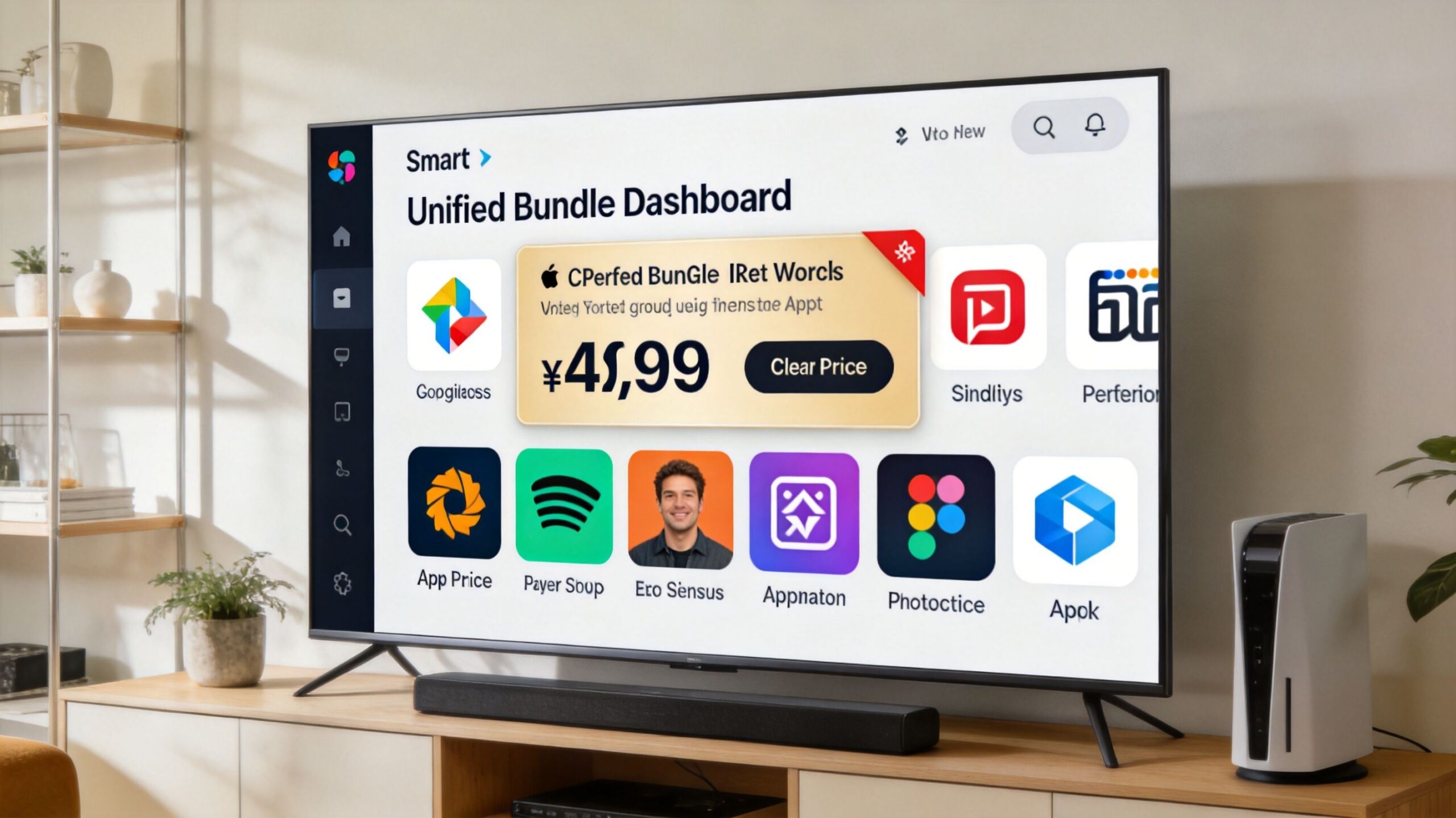
The cleanest example is a content bundle that includes multiple services you already planned to keep.
Where bundles actually help
Bundles work best when they replace subscriptions you would have paid for individually anyway. They don't help when they tempt you into carrying extra apps just because the package looks efficient.
One verified example is the Disney bundle pricing noted in the source material. A bundle of Disney+, Hulu, and ESPN+ can reduce cost compared with paying for each one separately. That matters if your household already watches across all three content types. If not, it's just a cleaner invoice, not a savings strategy.
The same idea applies to mobile and internet perks. Carriers sometimes include access to a streaming service or a discounted tier with certain plans. These offers are easy to miss because they're buried in account dashboards and promo pages, not on your monthly statement.
A bundle checkup list
Before adding or keeping any bundle, ask:
- Would I buy each piece on its own? If not, the bundle may be fake savings.
- Is there overlap with another app I already pay for? Duplicate content erodes the value fast.
- Is the perk automatic or opt-in? Some deals require activation.
- Did the promo expire? A “free” service often becomes a paid renewal.
If you want help comparing combinations, Premier's MyBundle video streaming service tool is one option for identifying streaming mixes and avoiding overlap.
Bundles save money when they reduce duplication. They waste money when they increase commitment.
Don't ignore non-streaming perks
One thing many households miss is that streaming costs don't always show up under “streaming.” Sometimes the hidden spend is in a premium phone plan you only keep for a perk you never redeemed, or in duplicate entertainment tools across a family account.
That's why bundling should follow the audit, not replace it. First decide what the household watches. Then look for the cheapest way to get exactly that.
Optimize Your Network for Smarter Streaming
People often treat internet and streaming as separate budget lines. In practice, they affect each other. A shaky connection can turn a low-cost streaming setup into a frustrating one, which nudges households back toward pricier plans, duplicate subscriptions, or premium work tools that shouldn't be necessary.
This shows up most clearly in homes where streaming competes with remote work. One person is on a video call, someone else is watching TV, another device starts a backup, and suddenly the cheap plan doesn't feel cheap anymore because everything buffers at once.
Why connection quality affects subscription costs
Ad-supported tiers are a good example. They can save real money, but the experience depends on stable playback. If your connection struggles during ad insertions, quality shifts, or peak household usage, you may end up paying more just to avoid the annoyance.
A reliable fiber setup helps because the connection is more predictable. Symmetrical speeds are especially useful in homes where uploads matter, like video calls, cloud backups, and work traffic running at the same time as streaming.
That doesn't mean every household needs the highest possible plan. It means the network should fit the way the house uses media and work tools.
Remote work changes the math
For remote households, voice and video tools belong in the same savings conversation as Netflix and Hulu. If work calls constantly collide with evening streaming, people often patch the problem by paying for extra services instead of fixing the underlying setup.
A 2026 Cord Cutter Weekly analysis found that remote households using a unified fiber and VoIP solution save an average of $18 per month compared to paying for separate internet, phone, and premium video conferencing services, according to Cord Cutter Weekly's analysis of streaming deals and service combinations.
That's the under-discussed angle. If your home doubles as an office, a better network can reduce entertainment costs indirectly by preventing the need for overlapping communication subscriptions and by making lower-cost streaming tiers practical.
What to fix before you blame the apps
Check these before upgrading a streaming subscription:
- Router placement. If the TV sits in a Wi-Fi dead zone, the subscription tier isn't the problem.
- Household traffic patterns. Streaming may be fine until work calls, gaming, or uploads start competing.
- Device age. Old smart TVs and budget streaming sticks can create lag that looks like an internet issue.
- Work tool overlap. If you're paying separately for internet, calling, and premium conferencing, consolidating may cost less.
For households comparing providers or plan types, Premier's page on high-speed internet for streaming outlines what to look for in a connection intended for TV, video calls, and whole-home use.
Streaming Savings FAQ
Is annual billing cheaper than monthly
Sometimes, but only if you're sure you'll keep the service all year. For a core subscription that your household uses constantly, annual billing can simplify the budget. For anything seasonal or binge-based, monthly billing is usually safer because it preserves your ability to rotate.
Should I share passwords to cut costs
Only within the rules of the service and within your household when the plan allows it. Streaming companies have tightened enforcement, and the cheapest-looking workaround can become a headache if it triggers account restrictions or pushes you into add-on fees. Check the current terms inside each app before building your budget around sharing.
Are free ad-supported services worth using
Yes, for the right role. Free services can fill the gaps between paid subscriptions, especially for casual viewing, older movies, background TV, or trying something new without adding another bill. They work best as a supplement, not as a replacement for a service you use heavily and care about navigating smoothly.
What's the fastest way to cut costs this week
Do these three things in order:
- Cancel one dormant service you haven't used lately.
- Downgrade one premium plan to ad-supported and test it for a week.
- Set cancellation reminders on any service you activated for a single show or event.
That combination usually trims spending faster than hunting for obscure promos.
If you're trying to cut streaming costs without creating buffering, dead zones, or work-from-home headaches, Premier Broadband is worth a look. Its fiber internet, VoIP service, and MyBundle.TV integration fit the bigger goal covered in this guide: reducing total household entertainment and connectivity costs by choosing the right subscriptions, the right bundle structure, and a network setup that actually supports lower-cost streaming choices.