
It’s easy to think of your home phone's voicemail as a thing of the past, especially with texts and instant messages everywhere. But it’s still a crucial way to get messages from doctor's offices, family members, or other important services you can't afford to miss. Knowing how to check voicemail from your home phone is all about staying plugged into what really matters.
Why Your Home Voicemail Is Still So Important
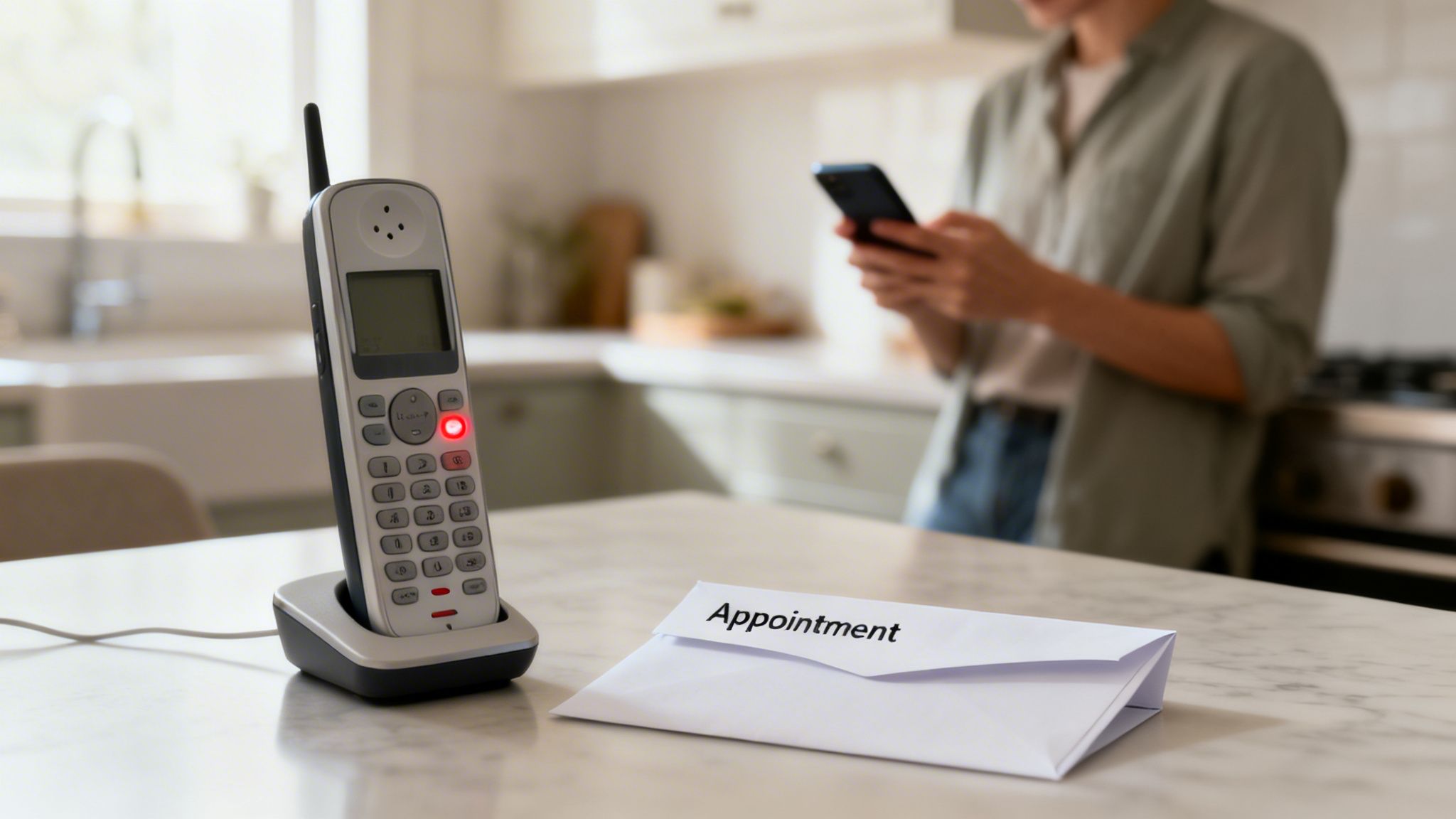
That little blinking light on your home phone is easy to ignore, but it often holds information that’s a lot more significant than a quick text. While our smartphones handle the day-to-day chatter, the home phone line often serves a different role. It’s the number you give to schools, medical offices, and utility companies—places that tend to leave detailed, important messages.
Believe it or not, a staggering 80% of all calls worldwide go straight to voicemail. That adds up to nearly 4.9 trillion messages people need to check every year. It’s a safe bet your home phone’s mailbox is buzzing with info you actually need to hear.
The Move to Modern Home Phone Service
As old copper landlines are replaced by modern Voice over IP (VoIP) systems, voicemail has become even more reliable and essential. A service like Premier Broadband’s VoIP phone solution makes sure your connection is crystal clear and your messages are always secure.
These new systems don't just copy old features; they make them better with great benefits like:
- Voicemail-to-Email: Get audio files of your voicemails sent right to your email inbox.
- Remote Access: Check your messages from anywhere using your cell phone or computer.
- Enhanced Security: Keep your messages and personal info safe from prying eyes.
At the end of the day, checking your home voicemail isn't just about managing calls—it’s about managing your life. Whether it's a contractor confirming a visit or a loved one sharing news, these messages are a vital part of staying connected.
With spam calls and spoofed numbers on the rise, having a trusted, secure line for your most important contacts is more valuable than ever. If you ever think someone is using your phone number without your consent, it’s critical to know what to do next.
Accessing Messages on a Traditional Landline
Still have a classic home phone? You're not alone. When it comes to checking your voicemail, you're likely dealing with one of two setups: a physical answering machine or a voicemail service from your provider.
Getting your messages is simple, no matter which you use.
If you have a physical answering machine sitting on a table, you're in luck—it doesn't get much easier. Just look for the "Play" button, which usually has a triangle icon (▶). Press it, and your messages will play back in the order they arrived. You’ll also see other familiar buttons to delete, save, or skip through messages.
Using Your Provider's Voicemail Service
No separate machine? That just means your voicemail is stored securely on your phone company's network. Your messages are managed digitally by modern wireline service providers who handle the network that keeps your phone connected.
Checking these messages is just a phone call away. From your home phone, simply dial your voicemail access number. This is often your own phone number, or a common star code like *99 or *98.
Ever pick up your phone and hear a "stuttering" or broken dial tone? That’s not a problem with the line—it's the universal signal telling you that you have new voicemails waiting!
Once you call in, the system will ask for your PIN. This is the key that keeps your messages private. After you enter it, an automated guide will walk you through your mailbox. You'll hear how many new messages you have and can listen to them one by one, with options to save, delete, or even forward them to another number.
Using Voicemail on a Modern VoIP Home Phone
VoIP (Voice over Internet Protocol) phone systems have completely changed how we handle voicemail, making it a modern, flexible experience. While the old-school method of dialing a star code like *98 from your handset still works, the real power of VoIP is in its advanced features, built for today's busy, connected world.
This flexibility is more important than ever. Think about it—most quick chats happen over text now. When someone takes the time to call and leave a voicemail, it’s usually important. With 73% of US adults having ditched traditional landlines by 2022, having a reliable VoIP voicemail system is a must.
For example, with Premier Broadband's VoIP phone service, checking messages is simple. Just dial *98 from your home phone, punch in your PIN, and follow the voice prompts to play, save, or delete your messages.
The chart below gives a quick look at how you'd check messages on older phone setups.
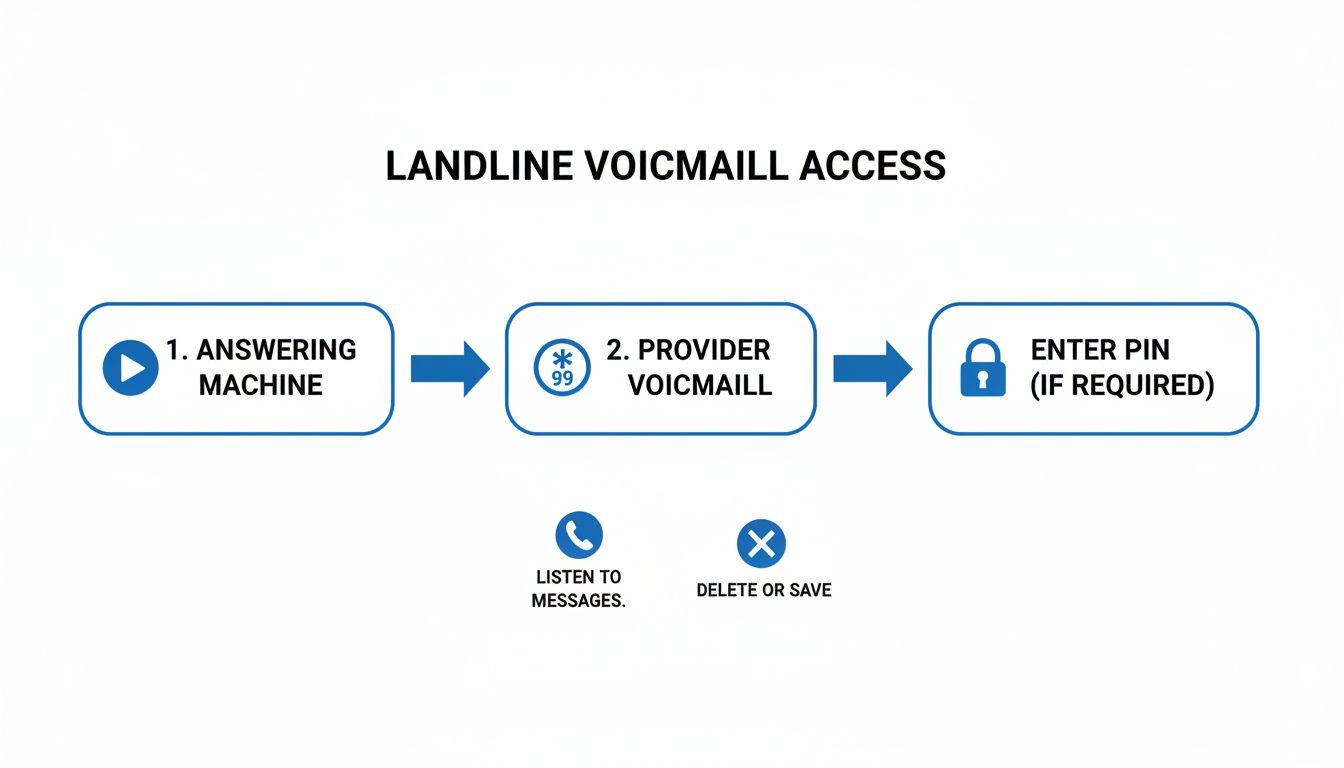
As you can see, the old ways were pretty direct—either use the machine on your desk or dial into your provider's network. VoIP takes the best of that and makes it accessible from anywhere.
More Than Just a Star Code
The true advantage of VoIP is not being chained to your home phone. Imagine getting a ping on your smartphone about a new voicemail and being able to listen to it right then and there. That’s a standard feature for most VoIP providers today.
One of the best VoIP perks is voicemail-to-email. This feature automatically forwards an audio file of every new message straight to your email inbox. You can listen, save, or forward important messages from anywhere, just like a regular email attachment.
This kind of integration is a huge win for remote workers, busy families, or anyone who can’t afford to miss a message from a doctor or school just because they're not home. If you want to get into the nuts and bolts of the technology, you can learn more about how VoIP phone systems work and what makes them so powerful.
Voicemail Access Method Comparison
To really see the difference, it helps to compare the old landline experience with a modern VoIP service side-by-side.
| Feature | Traditional Landline Voicemail | Premier Broadband VoIP Voicemail |
|---|---|---|
| Primary Access | Dialing into the network from the home phone. | Dial *98 from home phone, plus remote options. |
| Remote Access | Possible, but clunky—requires dialing your number and a special code. | Seamless access via mobile app and online portal. |
| Message Delivery | Stored on the provider's server, only accessible by phone. | Voicemail-to-email sends an audio file directly to you. |
| Message Management | Listen and delete via phone prompts. | Visually manage, play, and transcribe in an app or web portal. |
| Notifications | Stutter dial tone on the landline. | Instant push notifications to your smartphone. |
The takeaway is clear: while traditional voicemail gets the basic job done, VoIP gives you the tools to manage your messages on your own terms, from wherever you happen to be.
Many VoIP providers also offer advanced options like:
- Online Account Portals: Log into a website to see a list of your voicemails, play them back, and manage them visually without picking up the phone.
- Mobile Apps: Get real-time alerts and manage your entire home phone voicemail system right from your smartphone.
- Visual Voicemail: See a text transcript of your message, so you can quickly scan its content without having to listen.
How to Check Your Voicemail While Away From Home
Life doesn't stop just because you're away from your home phone. Maybe you're waiting on an important call from your child's school or a callback for a job interview, but you had to run out.
Luckily, you don't have to wait until you get home to check your messages. Accessing your voicemail remotely is simple, whether you have a classic landline or a modern VoIP service.
The Remote Access Process
All it takes is making a quick call from your cell phone or any other phone. Just dial your own home phone number and let it ring through to your voicemail.
Once you hear your own greeting start playing, you’ll need to interrupt it. Pressing the star key (*) or the pound key (#) is usually the trick. This signals the system that you're the owner trying to get in, not just another caller.
After you hit the interrupt key, you'll be prompted to enter your voicemail PIN. This is the same security code you use at home, and it’s what gives you secure access to your messages from anywhere.
Once you’ve typed in your PIN, you’re in. You can listen to your messages, save them, or delete them, just as if you were standing in your kitchen.
After you've heard your messages, you might also want to check out our guide on how to forward a voicemail if you need to share one with someone else.
Solving Common Voicemail Problems
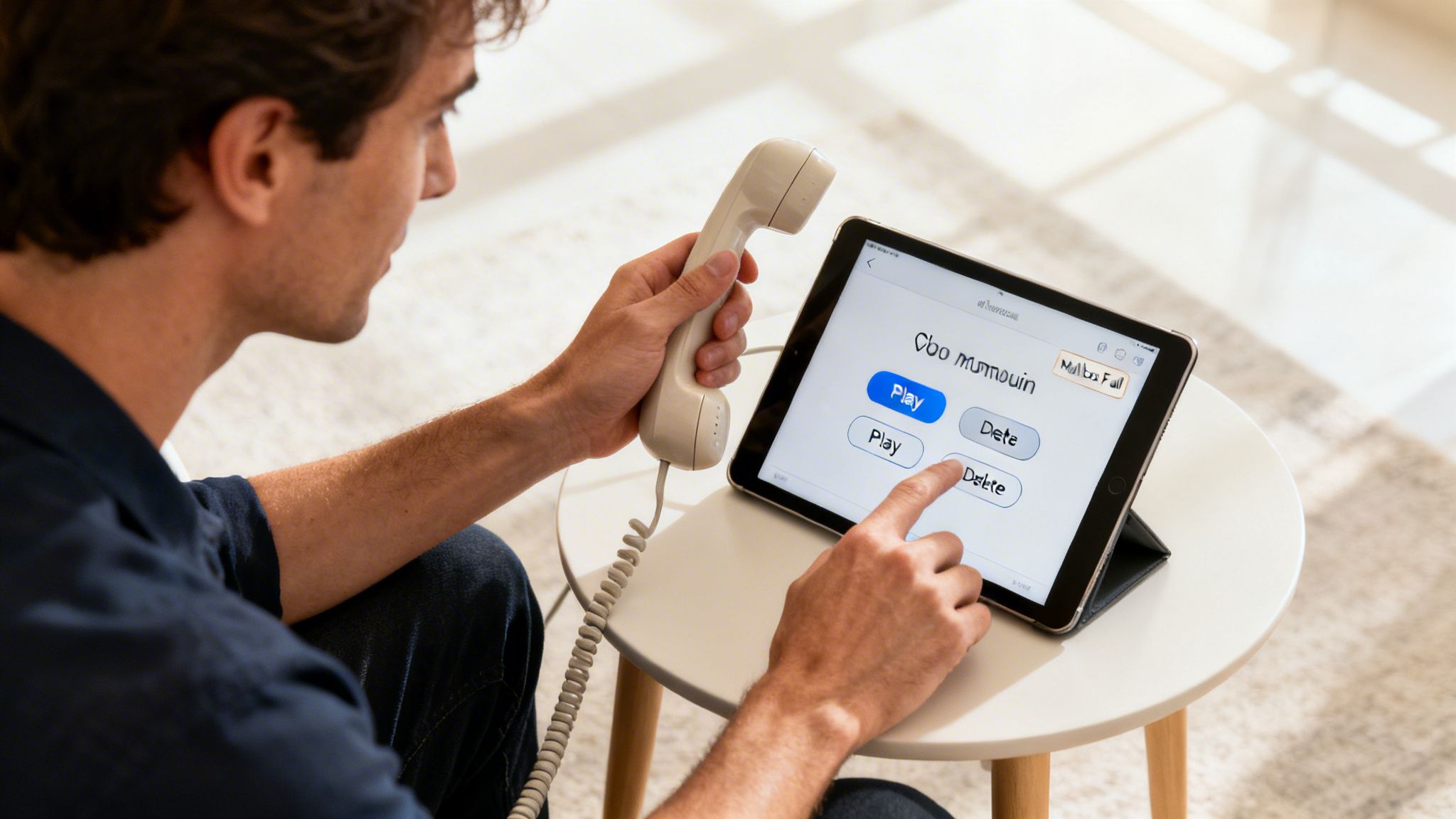
It’s a familiar frustration: you know there are important messages waiting, but you just can't get to them. Voicemail hiccups are pretty common, but the good news is that most of them have surprisingly simple fixes. We’ll walk you through the most frequent headaches and get you back on track.
One of the most common issues is a forgotten PIN. It happens to all of us! Instead of guessing until you’re locked out, the best move is to get in touch with your service provider. A quick call to a provider like Premier Broadband is all it takes to reset your PIN securely so you can get back in.
Dealing With Voicemail Errors
Ever run into an error message telling you the voicemail box is full? This is a big one, as it stops new messages from coming through, which could mean missing a critical call. A full mailbox is just a sign that it’s time for a little digital housekeeping.
A full voicemail box is the number one reason callers can't leave a message. Regularly clearing out old or unimportant voicemails not only frees up space but also makes it easier to find the messages that truly matter.
Whether you have a traditional landline or a VoIP system, deleting messages is usually straightforward. After you listen to a message, you’ll typically hear an option to delete it by pressing a single key—often the ‘7’ key. Keeping your mailbox tidy is a simple but vital part of making sure your voicemail works for you.
To keep things organized and prevent a full inbox, here are a few tips:
- Listen and Decide: As you check your messages, decide right away whether to save or delete. Don't let them pile up.
- Clear Out Saved Messages: Once a week, take a minute to go through your saved messages and get rid of any you no longer need.
- Set a Reminder: If you get a lot of calls, setting a weekly reminder to clear out your inbox can be a real lifesaver.
You can also learn more about how to efficiently delete voicemail messages on your home phone to ensure your mailbox is always ready for new calls.
Finally, what if you pick up the phone and there’s no dial tone at all? This stops you from even calling the voicemail service. The first thing to do is check that your phone is plugged in correctly, either to the wall jack or your VoIP adapter. If the connections are solid and the problem is still there, it might point to a service outage. In that case, your best bet is to contact your provider's support team for help.
Your Questions About Home Voicemail Answered
Still have a few questions about how home phone voicemail works? You're not alone. Let's tackle some of the most common ones we hear from our customers.
Getting your voicemail set up for the first time is a breeze. We’ll give you a special number to dial—often a simple code like *98. From there, you’ll walk through creating a secure PIN and recording that all-important personalized greeting so callers know they’ve reached the right place.
Saving Messages and Other Common Questions
Ever get a message you absolutely need to save? Some systems let you hang onto messages for a while, but for a truly permanent solution, nothing beats a voicemail-to-email feature. It zips an MP3 audio file of the message straight to your inbox, where you can save it forever.
And what about that weird, stuttering dial tone you sometimes hear? Don't worry, your phone line isn't on the fritz. That's a built-in alert on most home phones, just a handy little signal letting you know you have new voicemails waiting.
So what's the real difference between voicemail and an old-school answering machine? An answering machine is a physical box plugged into your phone line. Voicemail, on the other hand, is a digital service hosted by your provider, like Premier Broadband. This means it works even when the power goes out at your house.
That network-based reliability is what ensures you never miss a critical call, whether it’s from the doctor's office or a family member checking in. It's peace of mind, built right in.
Ready for crystal-clear calls and advanced features like voicemail-to-email? Upgrade to Premier Broadband's reliable VoIP phone service. Learn more about our voice solutions.