
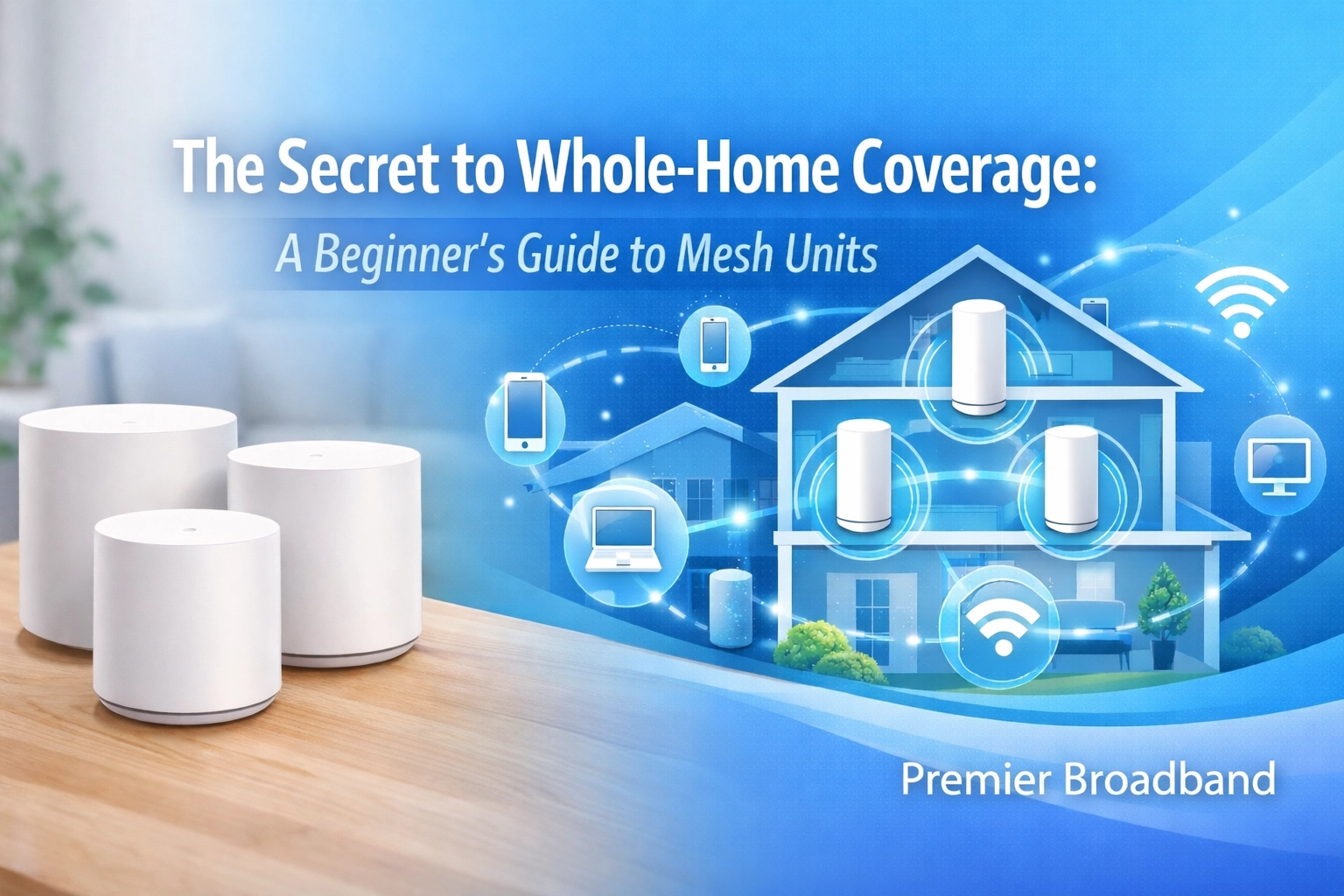
We’ve all been there. You’re in the middle of a high-stakes meeting, or maybe you’re finally at the season finale of that show everyone’s talking about, and suddenly, the spinning wheel of death appears. You move two feet to the left, hold your phone up like an antenna, and hope for the best.
At Premier Broadband, we know that your home is more than just four walls; it’s a hub for work, play, and staying connected with the people you love. But sometimes, a single router sitting in the corner of your living room just isn’t enough to reach the upstairs office or the back patio. That’s where mesh units come in. If you’ve been hearing the buzz about "mesh Wi-Fi" but aren’t quite sure what it means or if it’s worth the hype, take a break and read all about it. We’re breaking it down so you can finally say goodbye to those annoying dead zones.
Why your Wi-Fi keeps quitting on you
Before we dive into the solution, let’s talk about the problem. Most traditional internet setups rely on one central router. Think of your router like a lightbulb. If you put one bright bulb in the center of a large house, the rooms nearby will be well-lit, but the further you go: down hallways, behind thick walls, or up to the attic: the darker it gets.
In the world of Wi-Fi, those "dark" spots are your dead zones. Physical obstacles like brick walls, metal pipes, and even heavy furniture can soak up your signal before it ever reaches your devices. If you live in a larger home or a space with a tricky layout, that single router is working overtime just to keep you connected.
What is a mesh system anyway?
If a traditional router is a single lightbulb, a mesh system is like having a series of smart lamps placed throughout your home. A mesh network consists of several units (often called "nodes" or "satellites") that work together to create one single, seamless Wi-Fi network.
One unit connects directly to your Premier Broadband modem and acts as the "brain." The other units are placed around your house to pick up that signal and pass it along. Unlike traditional setups where each device acts independently, mesh nodes talk to each other constantly. They’re smart enough to know which node is closest to you and will automatically hand off your connection as you walk from the kitchen to the bedroom. You won't even notice the switch; you just stay connected to the best high-speed internet experience possible.
Take a break and read all about the mesh difference
You might be thinking, "Can't I just buy a cheap Wi-Fi extender?" It’s a common question, but there’s a massive difference between an extender and a true mesh system.
Traditional extenders basically "repeat" a signal. However, they often create a second network with a different name (like "Home_Wi-Fi_EXT"). This means your phone has to disconnect from the main router and reconnect to the extender as you move around, which usually causes a lag or a complete drop in your connection for a few seconds. Plus, extenders often cut your bandwidth in half because they have to use the same channel to talk to the router and your phone at the same time.
Mesh units are a different breed. They use a dedicated "backhaul": think of it as a private VIP lane for the nodes to talk to each other: so your actual internet speed doesn’t get throttled. With internet plans from Premier Broadband, a mesh system ensures that the speed you’re paying for actually makes it to every corner of your home.

Is your home the right fit for a mesh system?
Not every home needs a mesh system, but many do. If you’re living in a cozy one-bedroom apartment, a high-quality router is usually plenty. However, you might want to consider adding mesh units if:
- Your home is over 2,000 square feet: Large footprints are hard for one router to cover.
- You have multiple floors: Wi-Fi signals struggle to travel through floors and ceilings.
- Your home has "tough" walls: If you have an older home with plaster and lath, or a modern one with lots of brick or metal, your Wi-Fi signal is likely hitting a wall (literally).
- You want outdoor coverage: If you want to stream music by the grill or work from the porch, mesh units can extend your reach outside.
- You have a lot of devices: From smart TVs and mobile devices to smart thermostats, a mesh system manages the load better than a single router.
Setting things up without the headache
We know the word "network" can sound intimidating, but setting up mesh units is surprisingly simple. Most modern systems are designed to be "plug and play." You connect the main unit to your modem, plug the other nodes into wall outlets in the areas where your signal is weak, and follow a few simple steps on an app.
At Premier Broadband, we make this even easier with our CommandIQ app. It’s your control center for your home network. You can see which devices are connected, run speed tests, and even set up parental controls to make sure the kids are staying safe online.

If you’re looking for a high-speed internet service that stays strong no matter where you are in the house, pairing our fiber connection with mesh technology is the ultimate power move. You can learn more about how to manage your network at premierbroadband.com/commandiq.
Where should you put your mesh units?
Placement is everything. If you put a node in a dead zone, it won't have any signal to "grab" and pass along. Think of it like a relay race: the runners need to be close enough to pass the baton.
- Keep them out in the open: Don't hide your mesh units inside cabinets or behind the TV. They need "room to breathe" to send out the best signal.
- Halfway point is best: Place your additional nodes about halfway between your main router and the area where you usually lose signal.
- Avoid interference: Keep them away from large metal objects and appliances like microwaves, which can mess with the signal frequencies.
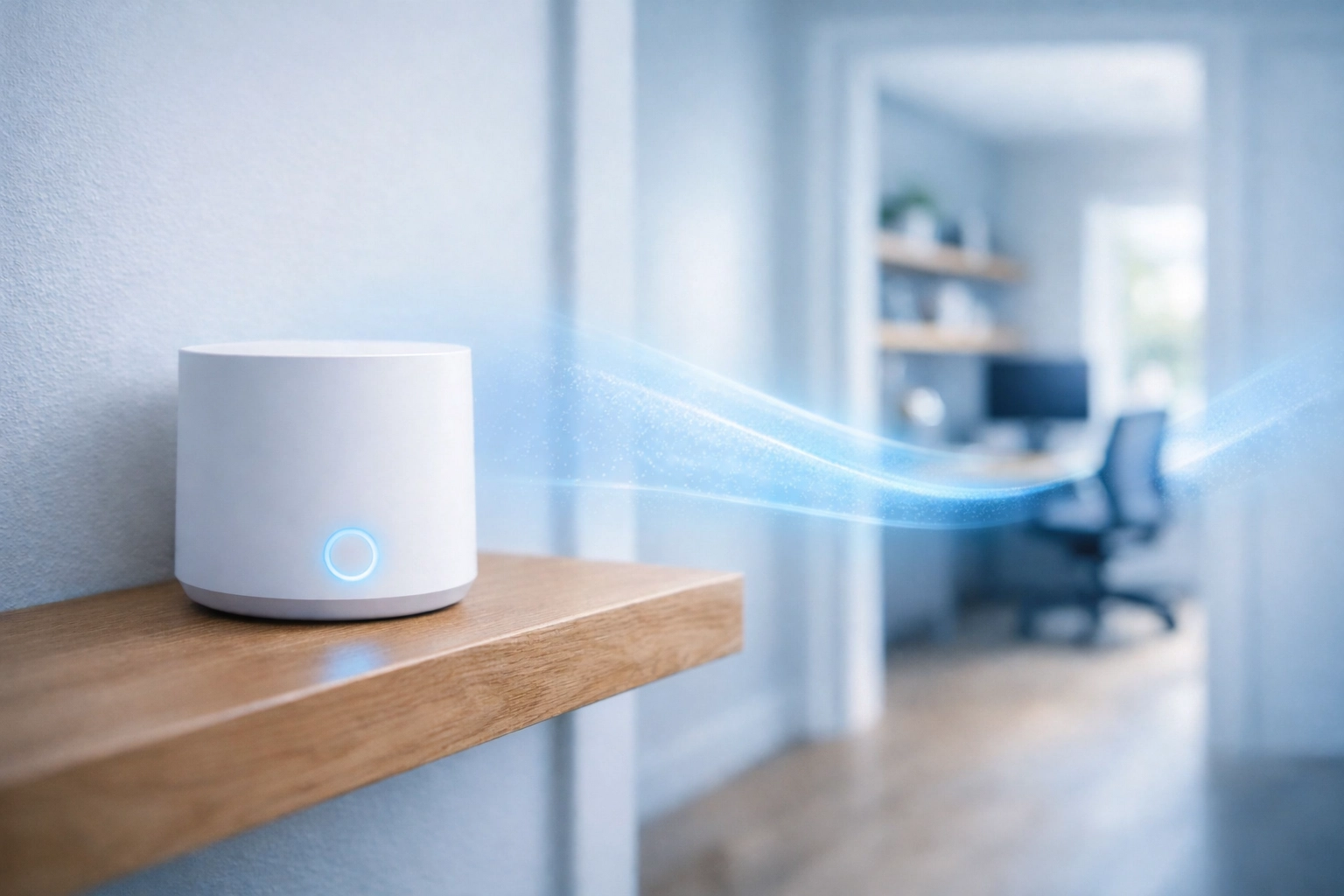
Do You Want To Boost Your Home Connection?
At the end of the day, you shouldn't have to think about your Wi-Fi. It should just work. Whether you're streaming on Hulu, gaming with friends, or hopping on a virtual meeting, mesh units give you the freedom to move around your home without fear of the "No Internet Connection" pop-up.
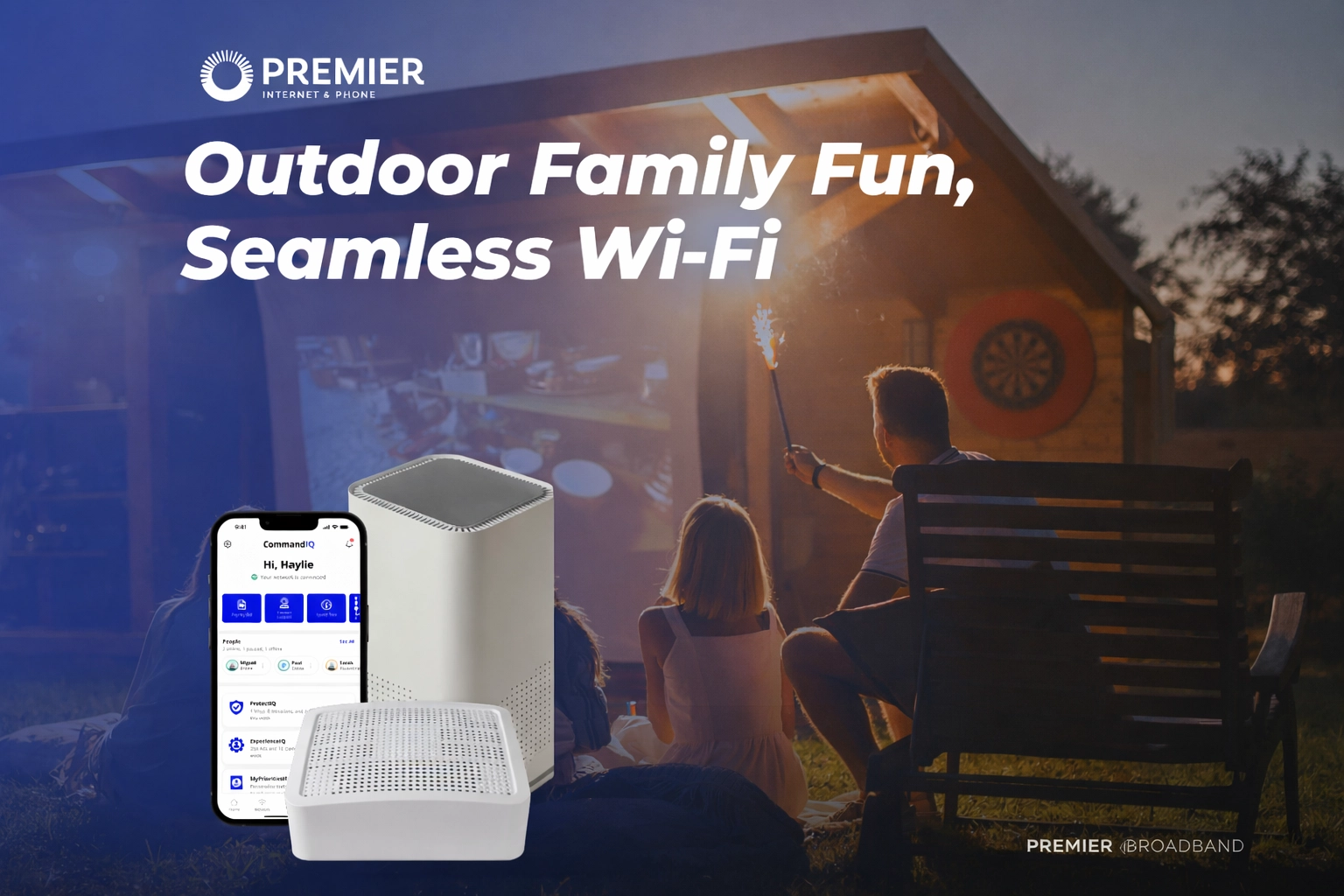
We are proud to be your Hope Arkansas internet provider, bringing new high-speed internet in Hope Arkansas to families and businesses alike. If you're tired of dead zones and ready for a more reliable home network, we’re here to help.
Do you have questions about which mesh system is right for your home? Are you ready to upgrade to a faster plan to support all your devices? We’d love to chat.
drop us a line or visit our website to explore our latest Premier Broadband internet plans. Let’s get your whole home covered!